Pass & Play: two players, one device
How NoCharge's shared-screen games work: a handoff screen that says whose turn it is, session-only player names, keyboard play, and match records that stay local.
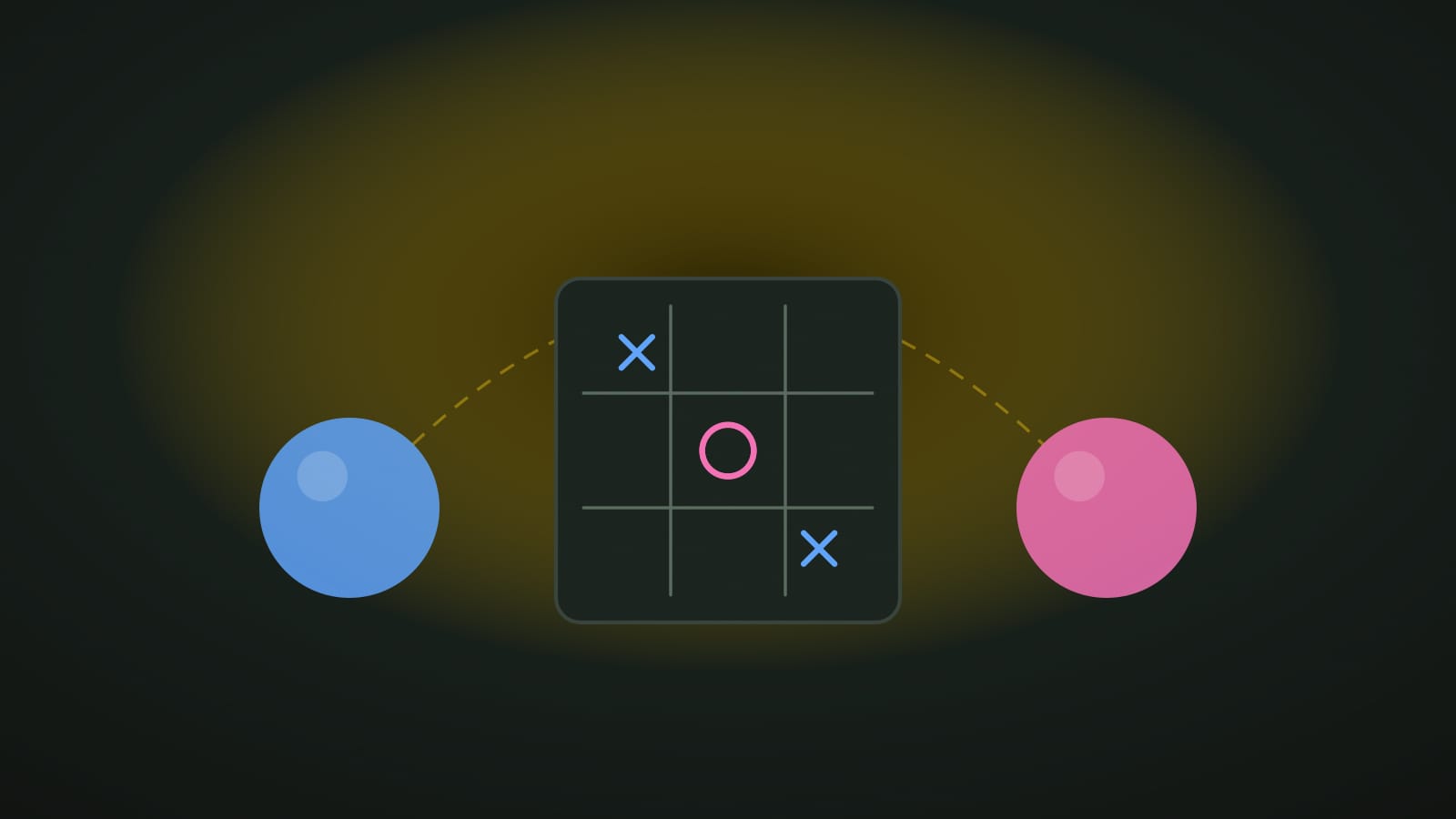
Bottom line: How NoCharge’s shared-screen games work: a handoff screen that says whose turn it is, session-only player names, keyboard play, and match records that stay local.
The newest corner of the NoCharge arcade is built for a screen shared by two people. Pass & Play games — Tic-Tac-Toe, Dots & Boxes, Four in a Row, Reversi, Last Token, and Pass the Picture — are played by two humans on one device. There is no online play, no matchmaking, no account, and no computer opponent anywhere in the set.
Why one device is a feature
Most web games assume one player facing one screen. A shared screen makes different assumptions: the device moves between hands, nobody should be able to move out of turn by accident, and both players must always know whose move it is. Every Pass & Play game therefore runs the same handoff screen between turns. It names the player the device is being passed to, shows the match tally while a match is running, and waits. A large Continue button confirms the handoff; Escape does the same thing for keyboard players.
The handoff also covers the board by default. That is not because these games hide information — a Tic-Tac-Toe board is open knowledge — but because a full, quiet screen is the clearest signal that one turn has ended and the next has not started. Pass the Picture is the deliberate exception: its drawing is shared rather than secret, so its handoff is translucent and the picture stays visible while the device changes hands.
Names that never leave the session
The handoff screen lets both players edit their names. Those names are session-only: they live in the page’s memory, appear in announcements and tallies, and disappear when the tab closes. They are never written to local storage, never attached to a saved result, and never sent anywhere. A saved match record contains the mode, the result, the score, and a timestamp — no names.
Keyboard play and honest limits
Five of the six games are fully keyboard-operable. Tic-Tac-Toe, Dots & Boxes, Four in a Row, Reversi, and Last Token use arrow keys plus Enter or Space, with focus moved deliberately — Reversi, for example, moves only between squares that are legal for the current turn, so a keyboard player’s move is never silently refused. Pass the Picture is different, and its page says so plainly: drawing a stroke needs a finger, pen, or mouse. Its colors, undo, and restart controls are keyboard-operable, but the strokes themselves are not, and the game does not pretend otherwise.
The same honesty applies to motion. Falling discs, box-completion flashes, and disc flips are decoration; each one is disabled automatically for visitors who prefer reduced motion. Forced-colors modes keep board state readable through outlines and fills rather than hue alone.
What stays on the device
At the end of a match, each game stores exactly one record — mode, result, match score, and date — under its own key in this browser. Playing again overwrites it in place; there is no history, no per-player profile, and no leaderboard. My Arcade shows that single most recent record per game alongside the existing solo dashboard, and the Clear game data control removes both sections together. Pass the Picture’s record is cooperative: it records passes and strokes drawn, never a winner.
The same quiet rules
Pass & Play keeps the arcade’s ground rules: no timers, no penalties, no streaks, no forced progression, and no dark patterns. The device keeps the score so the two of you can keep the conversation.