
Instant play
Open a game and start without an account, download, or onboarding maze.
Free browser games — no account
NoCharge has 26 browser games available at no charge: 17 solo games and 9 Pass & Play games for two people on one device. Choose puzzles, card games, word games, or shared-screen board games. Documented results stay in this browser, and optional ambient audio stops when the page is hidden.
Only in this browser
Games you have interacted with on this browser, newest first.
Featured now
Small games, each designed for a quick session on phone or desktop.
Flip cards. Find pairs.
Spell words. Clear the grid.
Pick a color. Step carefully. Take your time.

Cover every cell. Overlap nothing.
Find words at your own pace.
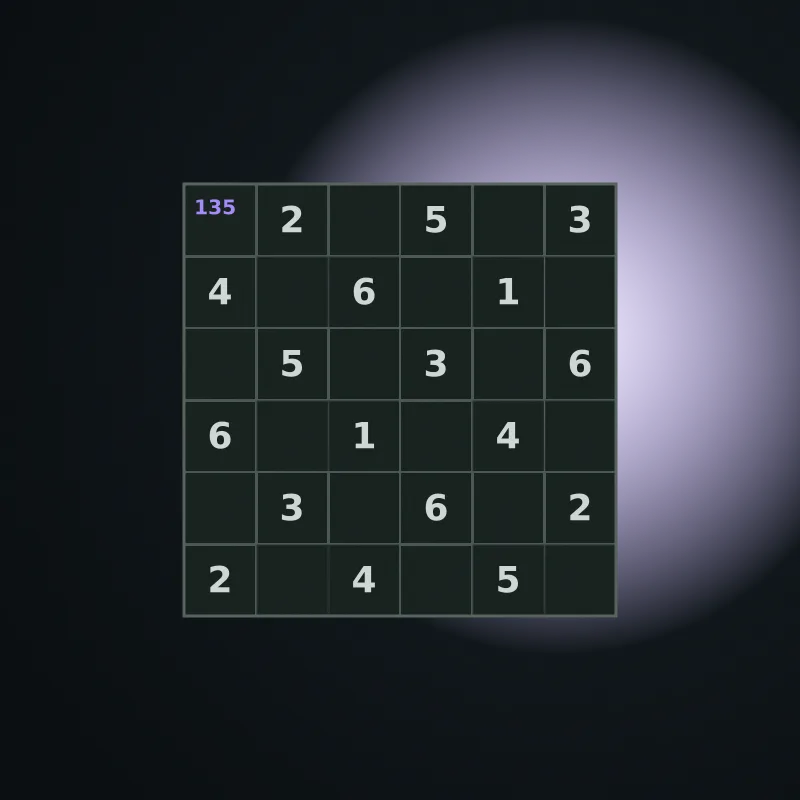
A small grid, a quiet puzzle.
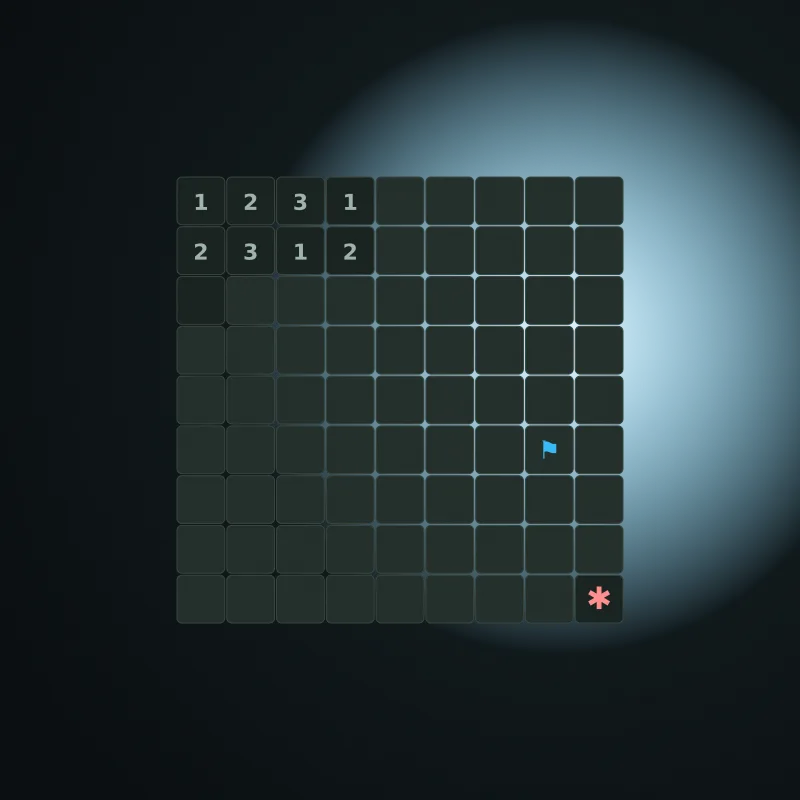
Clear the field, one safe cell at a time.
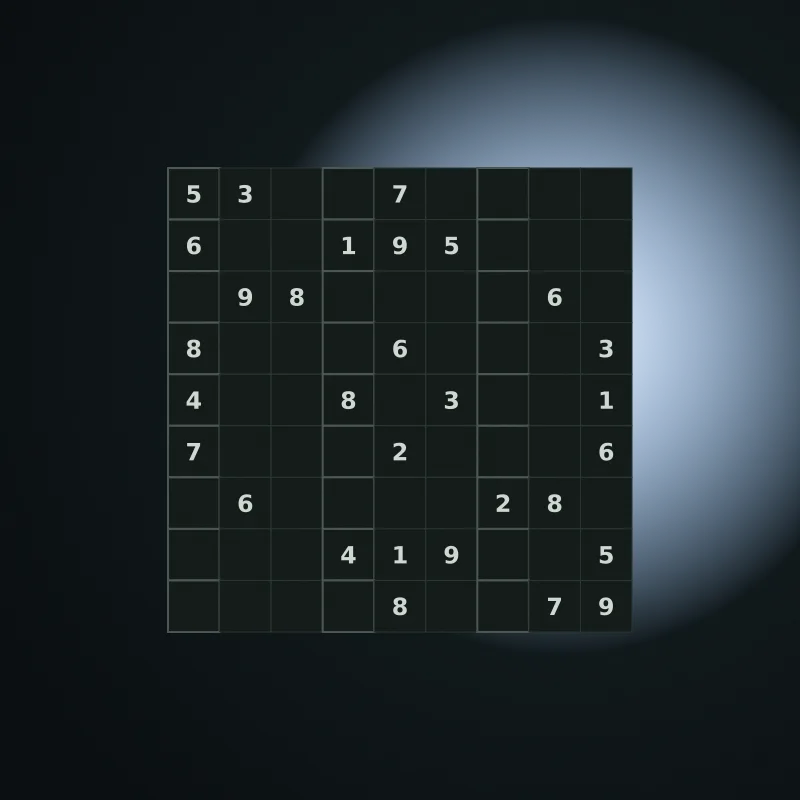
The full grid, at your own pace.
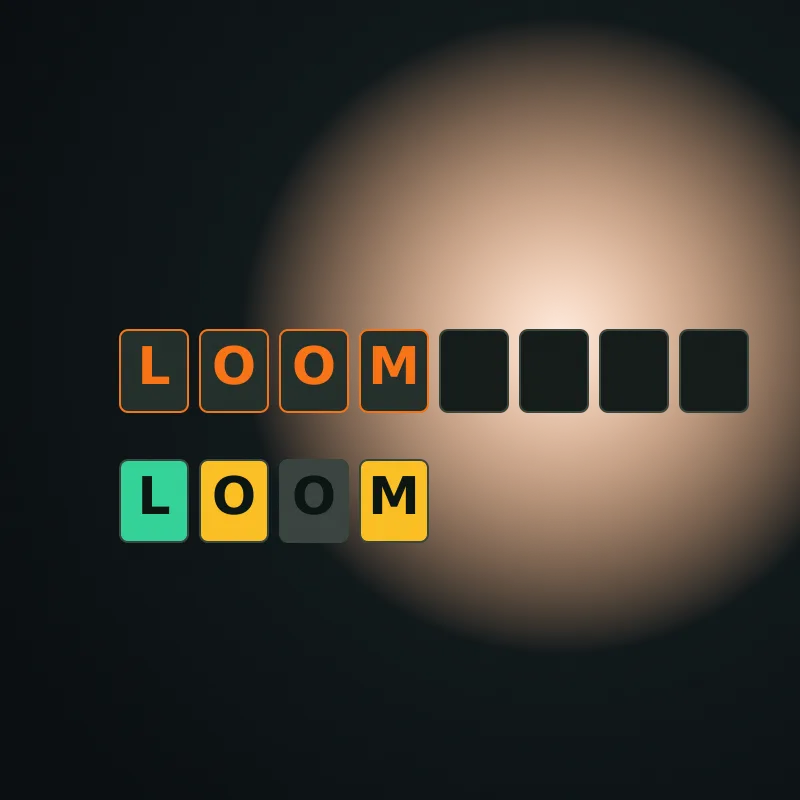
Weave the word. Six guesses, one date.
Play together
Two players, one device.
Take turns on a single screen. Hand the device to a friend, or set it on the table and play face to face. No accounts, no setup — the device keeps the score, and you pass it back and forth.
More than a game grid
The arcade is one part of NoCharge. Around it is a small reference shelf for choosing a game, learning its controls, and finding a useful next read when you want more context.
Open a game and start without an account, download, or onboarding maze.
Guides document real controls and scoring instead of padding pages with generic advice.
Optional analytics stays off until you allow it. Privacy and data choices are explained on the trust pages.
Player notes
Short, specific guides to rules, controls, scoring, and better decisions.
Learn how NoCharge Memory Match counts moves, how keyboard controls work, and how to remember more card positions with a simple repeatable strategy.
Read guide →Learn how to connect letters, score longer words, manage the rising grid, and play Word Tile Rush with pointer or keyboard controls.
Read guide →Learn the tap-to-step visual mode, color rotation options, and how to use the accessible untimed turn-based mode.
Read guide →Play notes
Focused original articles on the systems inside each game.
Memory Match
Use a repeatable four-by-four scan to turn each Memory Match reveal into useful location information.
FreeCell Solitaire
How NoCharge's FreeCell Solitaire uses visible information, multi-card moves, and the absence of timers to support deliberate planning.
Hangman
How letter buttons, direct keyboard typing, live announcements, and the six-miss figure make Hangman fully keyboard-operable without turning the state into a picture-only puzzle.
Good to know
Yes. Every published game opens without an account, subscription, or required purchase. Eligible pages can show one labeled advertisement outside gameplay.
NoCharge is the one-word brand name for this free browser-game library. It refers to game access; it does not claim that internet service, hardware, electricity, or optional third-party purchases have no cost.
Scores are stored in local storage on your current browser. They are not uploaded or synced. Clear via Privacy or My Arcade.
Each game supports phone and desktop input. Memory Match, Word Tile Rush, and Beacon Lattice have native keyboard controls, and Color Flip includes both keyboard play and an untimed turn-based mode. Game Mode expands the board to fill viewport with no scroll.
The library will grow with more small games, detailed player guides, accessibility notes, and useful explainers connected to the arcade. Quiet Setup has 30 guides in each of seven topics—210 total—covering keyboards, pointing devices, screens, desks, puzzles, audio, and lighting.
The Arcade lists every published game. The collections narrow the catalog by practical criteria, and the Discovery Wheel filters it by time, input, pace, and number of players.
Choose your next stop
Both sides of the library are open—no account required.