FreeCell Solitaire
FreeCell on NoCharge: Planning with Free Cells
How NoCharge's FreeCell Solitaire uses visible information, multi-card moves, and the absence of timers to support deliberate planning.
- FreeCell
- solitaire
- Quiet Arcade
Controls at a glance
About this game
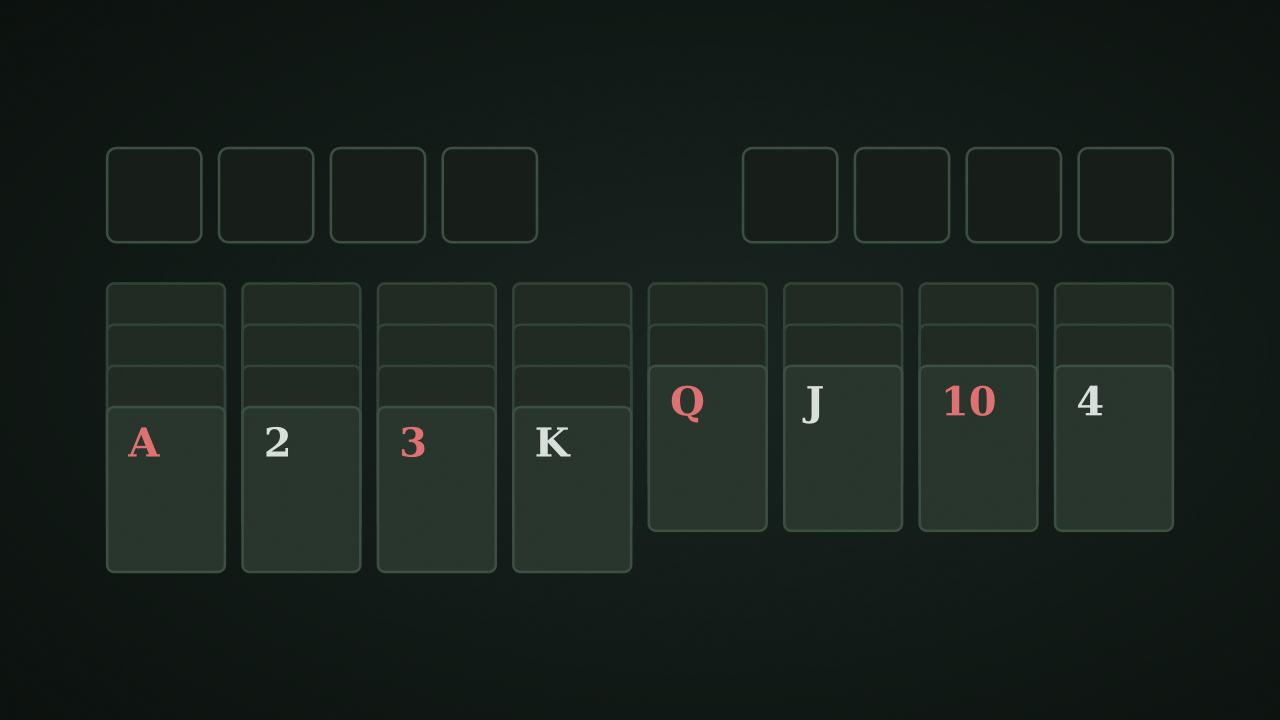
FreeCell deals all 52 cards face up across eight columns. Four single-card free cells provide temporary workspace, so the available empty space determines which sequences you can move.
Move every card to four foundations, building each suit from ace to king. There is no countdown or points requirement. A blocked position does not trigger a timed loss; use Undo or start another deal. The deal generator does not certify that every arrangement is winnable.
Tableau columns descend in alternating colors. A red 6 can rest on a black 7. A free cell can hold one exposed card, while an empty tableau column can receive any card or a legal sequence, not only a king. Foundation cards follow their own suit in ascending order.
Moving a whole sequence requires enough workspace. Capacity is (empty free cells + 1) × 2^(spare empty columns), excluding an empty destination column from the spare-column count. With two empty free cells and one other empty column, up to six cards can move together. If that empty column is the destination instead, the same position supports only three.
The board displays a move count, but the persistent game metric is completed deals, not a points score or a best-time table. Inspect the location of aces and low cards before filling the free cells. Parking one blocker may expose a useful foundation card; parking all four can leave no workspace for the next sequence.
Use the capacity calculation before committing a move. An empty column is especially valuable because it can double the size of a transferable sequence when it is available as spare workspace.
nocharge:freecell:games-won stores completed-deal count in this browser’s localStorage. The tableau, contents of the free cells, move counter, and undo stack remain in page memory and are lost on reload. Clearing the site’s game data removes the win record without affecting another browser’s results.
Player notes
Original articles about the systems and decisions inside FreeCell Solitaire.
FreeCell Solitaire
How NoCharge's FreeCell Solitaire uses visible information, multi-card moves, and the absence of timers to support deliberate planning.
All cards visible. Plan your moves. Play FreeCell solitaire in your browser with all 52 cards face-up, 4 free cells, undo, and restart. No timer, no score.
Yes. The game opens without an account, subscription, or cloud profile.
Touch or pointer: Tap a card to select, tap destination to move. Double-tap to auto-send to foundation. Free cells: Use the four cells at top-left for temporary storage. Keyboard: U undoes. Click columns, cells, and foundations to place cards.
Any result or preference the game retains is stored in local storage in this browser. It does not synchronize between devices and can be removed with Clear game data.
The shared game shell pauses while the page is hidden and stops ambient audio. Returning removes the hidden-page pause, but a manual pause remains in place.
Use New game in the shared toolbar or settings panel. Restarting this game does not clear saved results from other games.
The listed session is 5–20 min. Check the complete guide for mode-specific timing, scoring, and end conditions.
Master mute silences effects and ambient audio. Effects on/off changes game effects only, and the volume control also adjusts an active ambient texture.