Gomoku
Gomoku on NoCharge — why the variant is the contract
Free-style vs Renju, overlines, captures, and opening rules: what NoCharge implements, what it does not, and why the guide says so.
- gomoku
- pass and play
- rules
Pass & Play
Hand the device over, then continue.
Controls at a glance
About this game
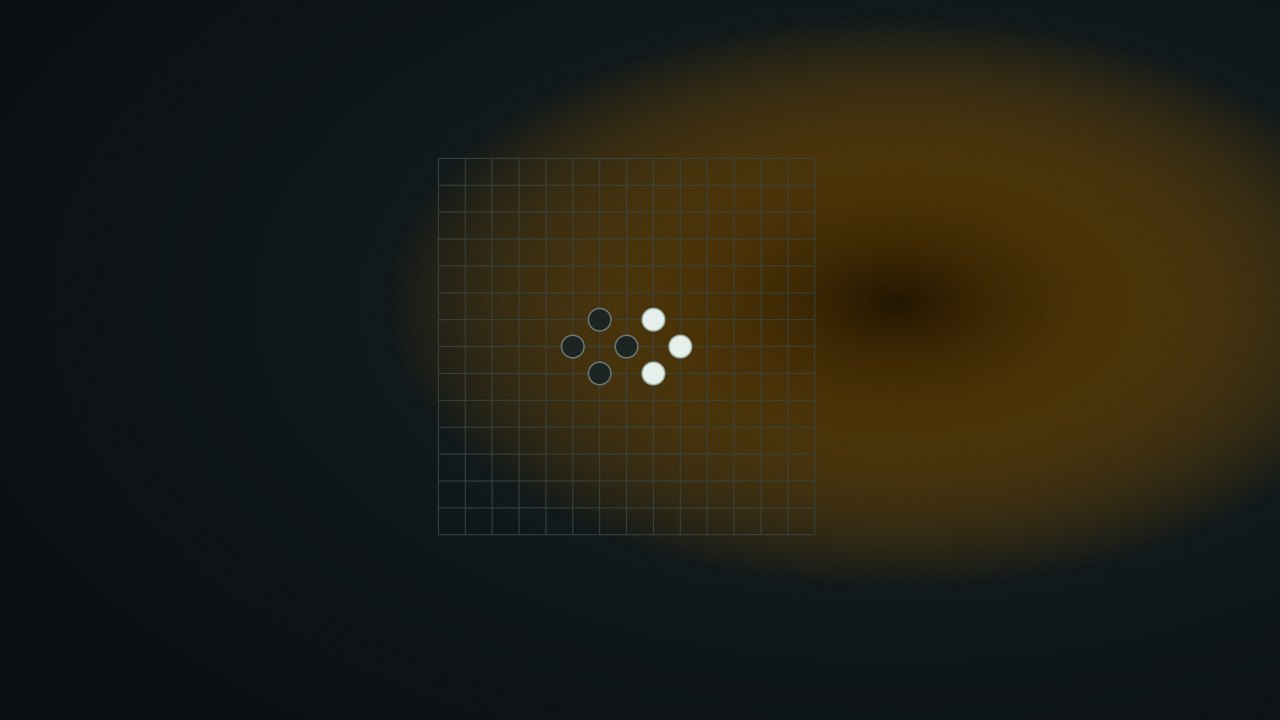
Gomoku places black and white stones on a 15×15 grid. Unlike Four in a Row, stones do not fall: any empty intersection can be the next move.
Be first to make an unbroken line of five or more stones horizontally, vertically, or diagonally. A filled board without such a line is a draw. Player 1 uses Black and starts a fresh game. There is no countdown, capture score, or computer opponent.
Place one stone, then pass the device to the other player. A stone stays where it was placed and an occupied point cannot be replaced. NoCharge uses free-style Gomoku: overlines count, and there are no Renju forbidden-move restrictions or tournament opening exchanges.
For example, if your row contains Black, Black, empty, Black, Black, placing Black in the gap completes five and wins. If the same placement joins a longer unbroken line, that also wins here. A diagonal counts in exactly the same way as a row or column.
Only the completed line or drawn board decides the outcome; individual stones do not earn points. A four-stone line with both ends open threatens two possible winning moves, while a line blocked at one end offers fewer continuations.
Check for your own immediate win and the opponent’s immediate winning cells before extending a slower plan. Central stones can participate in multiple directions, but an attractive center move is not a substitute for blocking an existing four. The game marks outcomes without evaluating the strength of a move.
nocharge:passplay:match:gomoku stores the latest free-style result and finish date. Its shared score fields are 0–0 placeholders, not a tally of captured stones or match wins. The 225-point board, move sequence, and player names are not persisted. A later completed game replaces the previous browser-local record.
Player notes
Original articles about the systems and decisions inside Gomoku.
Gomoku
Free-style vs Renju, overlines, captures, and opening rules: what NoCharge implements, what it does not, and why the guide says so.
Five in a row, two players, one device. Free-style Gomoku on a 15×15 board for two players on one screen. Five or more stones in a row wins; no overline restriction, no captures, no tournament opening rules — the variant is stated plainly.
Yes. The game opens without an account, subscription, or cloud profile.
Place: Tap or click an empty intersection; keyboard players move the roving cursor with arrow keys and place with Enter or Space. Handoff: Between turns the shared handoff screen names the next player. The board stays visible because free-style Gomoku has no hidden information. New game: Resets the board and hands the first move to the same starting player.
Any result or preference the game retains is stored in local storage in this browser. It does not synchronize between devices and can be removed with Clear game data.
The shared game shell pauses while the page is hidden and stops ambient audio. Returning removes the hidden-page pause, but a manual pause remains in place.
Use New game in the shared toolbar or settings panel. Restarting this game does not clear saved results from other games.
The listed session is 5–20 min. Check the complete guide for mode-specific timing, scoring, and end conditions.
Master mute silences effects and ambient audio. Effects on/off changes game effects only, and the volume control also adjusts an active ambient texture.