Gomoku guide
Gomoku guide
Free-style rules, why five-or-more wins, the two-player handoff, keyboard path, and the local match record.
Rules
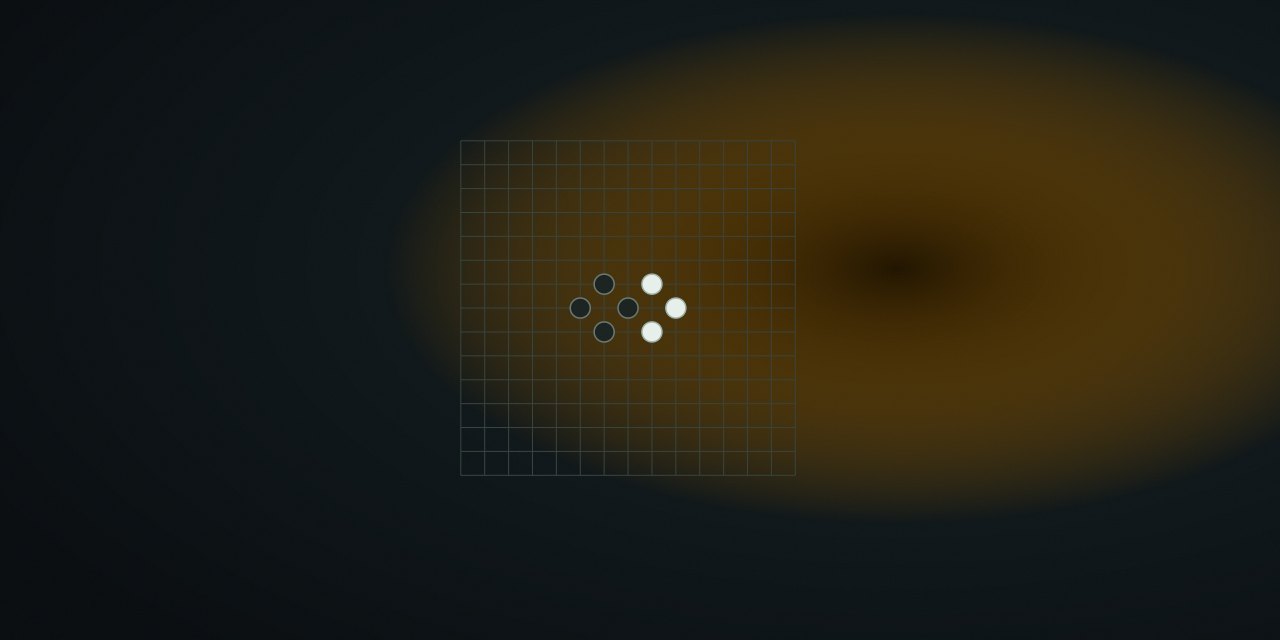
Two players alternate placing stones on a 15×15 grid. Black moves first. A player wins by placing five or more stones in an unbroken line — horizontal, vertical, or diagonal. If the board fills without a winner, the game is a draw.
Variants stated plainly: NoCharge uses free-style Gomoku. There is no overline restriction (six or seven in a row would still win), no captures, and no Renju-style opening or forbidden-move rules. If you expect tournament Renju, this is not that game; the guide says so rather than hiding the difference.
Two players, one device
Gomoku has no hidden information — every stone is visible to both players. Between turns the shared handoff screen names the next player over a translucent board, then the game continues. No player names or turn timings are stored; only the match result is saved.
Controls
| Action | Pointer / touch | Keyboard | Notes |
|---|---|---|---|
| Place stone | Tap an empty intersection | Arrow keys move cursor, Enter / Space place | Roving tabindex, row/column labels |
| Pass device | Handoff screen | Continue button | No hidden info; board stays visible |
| New game | Play again | Toolbar shortcut | New board, same opening player |
Strategy
- Build open lines, not closed ones.
__XX_threatens in two directions;_XXX_even more. A closedXXXwith one end blocked is much weaker. - Read one move ahead. If you can win with
X, you must block your opponent’sXtoo. The classic beginner error is attacking when the opponent reaches four first. - Play near the center. Central stones participate in more lines (horizontal, vertical, both diagonals) than edge stones.
- Force double threats. Any move that creates two simultaneous three-in-a-rows is usually winning; the guide calls this a pattern, not a guaranteed tactic.
What NoCharge records
One most-recent match record per game under nocharge:passplay:match:gomoku: mode, result, score, and date. No history, no move list, no names.
Accessibility and limits
The 15×15 grid announces each cell as row and column plus stone color; the result card restates the winner. Arrow-key navigation supports keyboard play. NoCharge makes no strategy claim beyond the examples above, and no claim about which version of Gomoku is “correct” — the variant is the contract.
Next step
Play one game beside a friend. For hidden-information play, the Pass & Play collection shows what NoCharge ships today and what stays out of scope.
Frequently asked questions about Gomoku
How do I play Gomoku?
Free-style rules, why five-or-more wins, the two-player handoff, keyboard path, and the local match record.
Does Gomoku need an account?
No. The game opens without an account, and NoCharge does not provide cloud profiles or synchronized saves.
What controls does Gomoku support?
Place: Tap or click an empty intersection; keyboard players move the roving cursor with arrow keys and place with Enter or Space. Handoff: Between turns the shared handoff screen names the next player. The board stays visible because free-style Gomoku has no hidden information. New game: Resets the board and hands the first move to the same starting player.
Where does Gomoku keep saved results?
Any result or preference the game retains is stored in local storage in this browser. The exact value differs by game, does not synchronize, and can be removed with Clear game data.
What happens if I switch tabs while playing Gomoku?
The shared game shell pauses while the page is hidden and stops ambient audio. Returning removes the hidden-page pause, but a manual pause remains in place.
How do I restart Gomoku?
Use New game in the shared toolbar or settings panel. Restarting this game does not clear saved results from other games.
Is Gomoku timed?
The listed session is 5–20 min. Read the timing and scoring sections in this guide because modes within a game can behave differently.
How do sound and ambient controls work in Gomoku?
Master mute silences effects and ambient audio. Effects on/off changes game effects only, and the volume control also adjusts an active ambient texture.