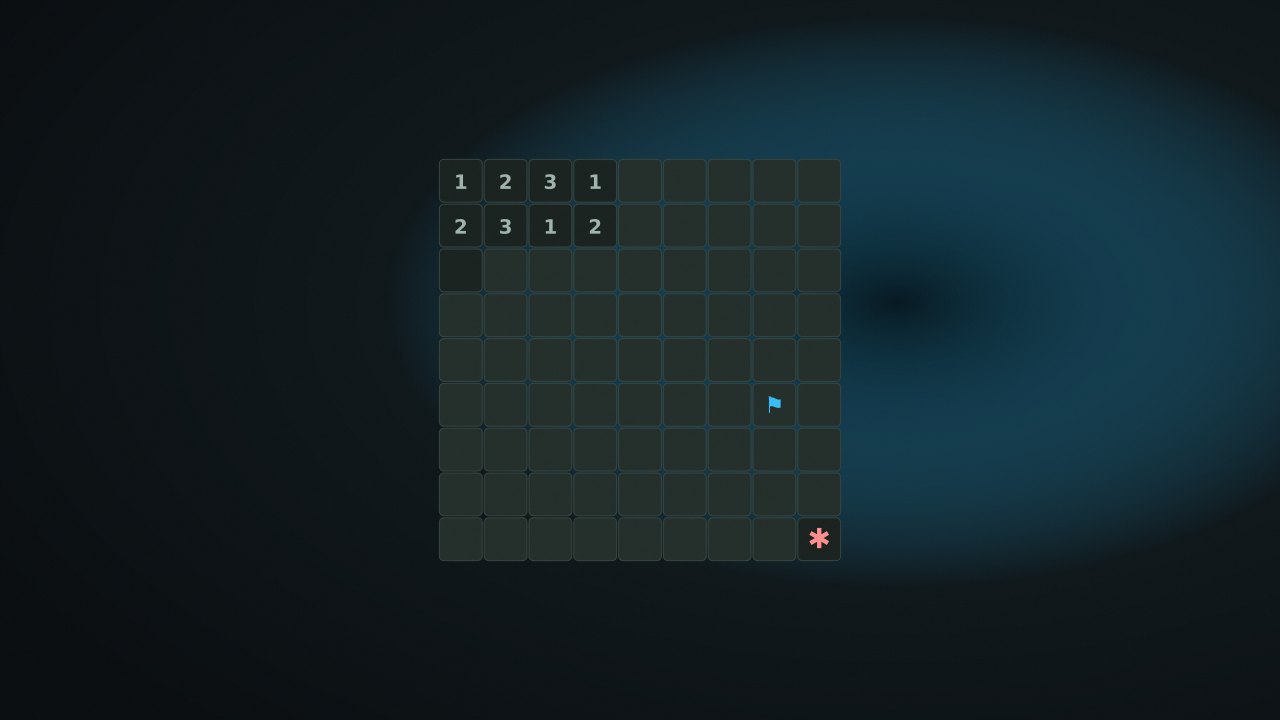
Minesweeper asks you to distinguish safe squares from mines using the numbers on the border of the revealed area. NoCharge removes the countdown, but a later incorrect reveal can still end the board.
Objective and win/loss conditions
Reveal every non-mine cell to win. Revealing a mine loses; flagging all mines without uncovering the remaining safe cells is not enough. The first reveal is protected from mines. The presets are Beginner 9×9 with 10 mines, Intermediate 16×16 with 40, and Expert 16×30 with 99.
How it plays
A revealed number counts adjacent mines, including diagonals. A zero expands the connected safe area. Toggle Flag mode or use F on the focused cell to mark a suspected mine; flagged squares are protected from ordinary reveals.
For example, a 1 with exactly one still-covered neighbor identifies that neighbor as a mine. Once its one mine is correctly flagged, the other covered neighbors are safe. A chord opens unflagged neighbors when the surrounding flag count equals the number. The chord checks the count, not whether your flags are correct: a wrong flag can leave a real mine unflagged and cause a loss.
Scoring and strategy
The persistent metrics are completed clears and the fastest winning time. Elapsed play time is recorded after a win, not shown as a countdown or used to force a move. A failed board does not add a win.
Work from numbered boundaries, compare neighboring clues, and flag deductions rather than guesses. When a deduction is unavailable, the first-click guarantee does not protect later guesses. Chording is a shortcut for applying known information, not a hint that verifies flags.
Local save data
nocharge:minesweeper:games-won and nocharge:minesweeper:best-time hold your records. nocharge:pref:minesweeper-last-size remembers the selected preset. Mines, revealed cells, flags, and an unfinished timer are not restored after closing the page. Records stay in this browser and are removable with Clear game data.