Minesweeper guide
Minesweeper guide
Rules, controls, safe-first-click policy, flag and chord workflow, and what NoCharge stores locally.
Rules
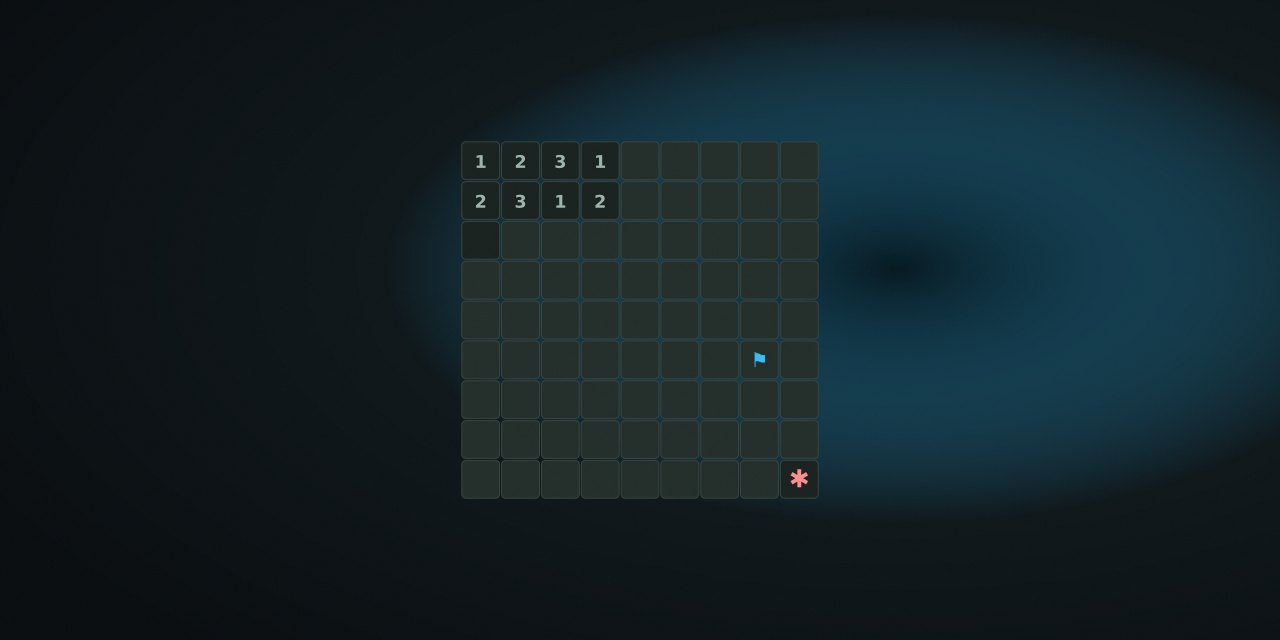
The board hides mines cells. Revealing a number shows how many mines touch that cell (including diagonals). Revealing an empty cell opens a flood area of connected empties. The game is cleared when every non-mine cell is revealed.
- Beginner: 9×9, 10 mines.
- Intermediate: 16×16, 40 mines.
- Expert: 16×30, 99 mines.
First-click safety — stated plainly
The first reveal on a board is always safe: it never lands on a mine. When the board is large enough, mines also avoid the first click’s eight neighbours, so the opening usually opens a small area. On boards where protecting the whole neighbourhood would leave too few cells for the mine count, only the clicked cell is protected. NoCharge states this because “safe first click” is a promise players should be able to verify.
Controls
| Action | Pointer / touch | Keyboard | Notes |
|---|---|---|---|
| Reveal | Click / tap hidden cell | Enter or Space | First click always safe |
| Flag | Toggle Flag mode, then tap | F or M on focused cell | Flagged cells cannot be revealed by accident |
| Chord | Double-click a revealed number | Enter on revealed number | Works only when flag count matches the number |
| Move cursor | — | Arrow keys | Focused cell announced by row and column |
| Difficulty | Buttons in HUD | Tab + Enter | Preference saved locally |
| New game | Toolbar / HUD | Toolbar shortcut | Never clears wins from other games |
Strategy that needs no speed
- Open with one click, then read the zero areas. The flood reveal marks the safe region; numbers on its boundary give the first deductions.
- Count flags before chording. A chord only fires when the number of surrounding flags equals the cell’s number — wrong flags do nothing, which is safer than guessing.
- Use corner logic. A “1” on a board edge with exactly one hidden neighbour means that neighbour is a mine; a “2” on a straight wall with two hidden cells means both are mines.
- Flag only what you proved. Guessing flags costs a click, and a wrong flag blocks a chord. NoCharge keeps the game untimed so proof beats speed.
- Restarting is free. If a late board is a coin flip, start over; the win metric counts only completed clears.
What NoCharge records
nocharge:minesweeper:games-won— total clears on this browser.nocharge:minesweeper:best-time— fastest completed clear, recorded only after a win and never displayed during play.nocharge:minesweeper:last-size— chosen difficulty, so the next visit starts where you left it.
All values are local and removable via the Privacy page’s Clear game data.
Accessibility and limits
Arrow-key grid navigation, roving tabindex, live status text, and announced row/column labels support keyboard and screen-reader use; color is never the only state (hidden, flagged, revealed, and mine each differ by label and border). The expert board scrolls horizontally on narrow phones. NoCharge does not claim Minesweeper trains memory, logic, or anything else; difficulty presets describe sizes only.
Next step
Play one beginner board with the controls above. Check Registry facts for the catalog’s current counts and review date.
Frequently asked questions about Minesweeper
How do I play Minesweeper?
Rules, controls, safe-first-click policy, flag and chord workflow, and what NoCharge stores locally.
Does Minesweeper need an account?
No. The game opens without an account, and NoCharge does not provide cloud profiles or synchronized saves.
What controls does Minesweeper support?
Reveal: Click or tap a hidden cell; Enter or Space reveals the focused cell. The first click is always safe. Flag: Toggle Flag mode, or press F on the focused cell, to mark a suspected mine. Chord: Double-click, or press Enter on a revealed number with the right number of flags, to reveal its neighbours. Move: Arrow keys move the board cursor; the focused cell is announced by row and column. Difficulty: Beginner 9×9 with 10 mines, Intermediate 16×16 with 40, Expert 16×30 with 99.
Where does Minesweeper keep saved results?
Any result or preference the game retains is stored in local storage in this browser. The exact value differs by game, does not synchronize, and can be removed with Clear game data.
What happens if I switch tabs while playing Minesweeper?
The shared game shell pauses while the page is hidden and stops ambient audio. Returning removes the hidden-page pause, but a manual pause remains in place.
How do I restart Minesweeper?
Use New game in the shared toolbar or settings panel. Restarting this game does not clear saved results from other games.
Is Minesweeper timed?
The listed session is 3–12 min. Read the timing and scoring sections in this guide because modes within a game can behave differently.
How do sound and ambient controls work in Minesweeper?
Master mute silences effects and ambient audio. Effects on/off changes game effects only, and the volume control also adjusts an active ambient texture.