Pass & Play
Pass to Player 2
Hand the device over, then continue.
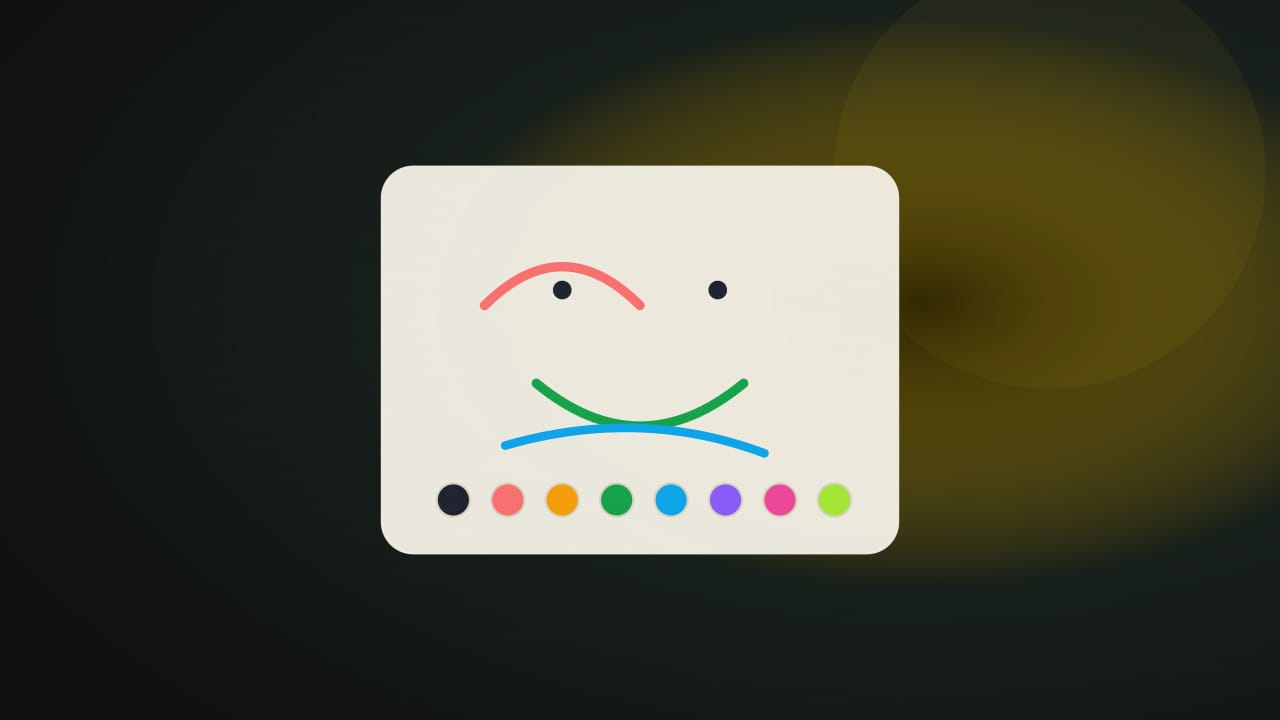
Controls at a glance
One stroke each pass, on a shared canvas.
- Draw a strokePress and drag on the canvas with a finger, pen, or mouse. Lifting the pointer finishes the stroke and ends your pass.
- ColorsA small palette of eight colors and a single stroke width keep the picture simple. The chosen color is marked.
- UndoUndo last stroke removes the newest stroke and hands that pass back to the player who drew it.
- PassesChoose 2, 3, 4, or 5 passes per player before or during a picture; the default is 3 each.
- Keyboard noteDrawing itself needs a pointer. Keyboard players can change color, undo strokes, and start a new picture, but they cannot draw strokes with keys alone.
About this game
How Pass the Picture works
Pass the Picture gives two players alternating strokes on one shared canvas. It is cooperative drawing rather than a guessing contest: the picture remains visible while the device changes hands.
Objective and win/loss conditions
Finish a picture using the selected passes per player. Choose two, three, four, or five passes each; three each is the default. After the final stroke, the drawing is complete and can be downloaded. Neither player wins or loses, and there is no time limit or judged drawing score.
How it plays
Choose a color, press on the canvas, and drag to make a stroke. Lifting the finger, pen, or mouse ends that pass and offers the next one to the other player. Changing palette color before drawing does not use a pass. Undo last stroke removes the newest stroke and returns its pass to the player who drew it.
For example, three passes each allow six strokes total. Player 1 might outline a hill, Player 2 add a tree trunk, and the remaining passes extend the scene. One continuous outline can include several bends, but lifting and starting again uses a new pass. Keyboard controls operate the palette and buttons; drawing strokes requires a pointer or touch.
Scoring and strategy
The displayed counts describe strokes contributed, not artistic quality. Agreeing on a subject can help the first few marks leave space for each other. Try one clear shape per stroke and use Undo when a mark prevents the next player from continuing the idea. The tool does not identify objects, grade the picture, or infer what either person intended.
Local save data
nocharge:passplay:match:pass-the-picture records the latest shared completion, passes setting, stroke count for each player, and date. The actual drawing is not stored there. Download this picture creates a PNG in your browser; save it before leaving if you want to keep the artwork. No drawing is uploaded to NoCharge.
- Genre
- Pass & Play
- Challenge
- Easy to learn
- Typical run
- 2–5 min
Frequently asked questions about Pass the Picture
How do you play Pass the Picture?
Two players, one device. Draw one picture together on one screen. Take turns adding strokes, undo mistakes, and download the finished drawing as a local PNG. No account, no upload, no timer.
Is Pass the Picture free to play without an account?
Yes. The game opens without an account, subscription, or cloud profile.
What controls does Pass the Picture support?
Draw a stroke: Press and drag on the canvas with a finger, pen, or mouse. Lifting the pointer finishes the stroke and ends your pass. Colors: A small palette of eight colors and a single stroke width keep the picture simple. The chosen color is marked. Undo: Undo last stroke removes the newest stroke and hands that pass back to the player who drew it. Passes: Choose 2, 3, 4, or 5 passes per player before or during a picture; the default is 3 each. Keyboard note: Drawing itself needs a pointer. Keyboard players can change color, undo strokes, and start a new picture, but they cannot draw strokes with keys alone.
Where does Pass the Picture keep saved results?
Any result or preference the game retains is stored in local storage in this browser. It does not synchronize between devices and can be removed with Clear game data.
What happens if I switch tabs while playing Pass the Picture?
The shared game shell pauses while the page is hidden and stops ambient audio. Returning removes the hidden-page pause, but a manual pause remains in place.
How do I restart Pass the Picture?
Use New game in the shared toolbar or settings panel. Restarting this game does not clear saved results from other games.
Is Pass the Picture timed?
The listed session is 2–5 min. Check the complete guide for mode-specific timing, scoring, and end conditions.
How do sound and ambient controls work in Pass the Picture?
Master mute silences effects and ambient audio. Effects on/off changes game effects only, and the volume control also adjusts an active ambient texture.