Pass & Play
Pass to Player 2
Hand the device over, then continue.
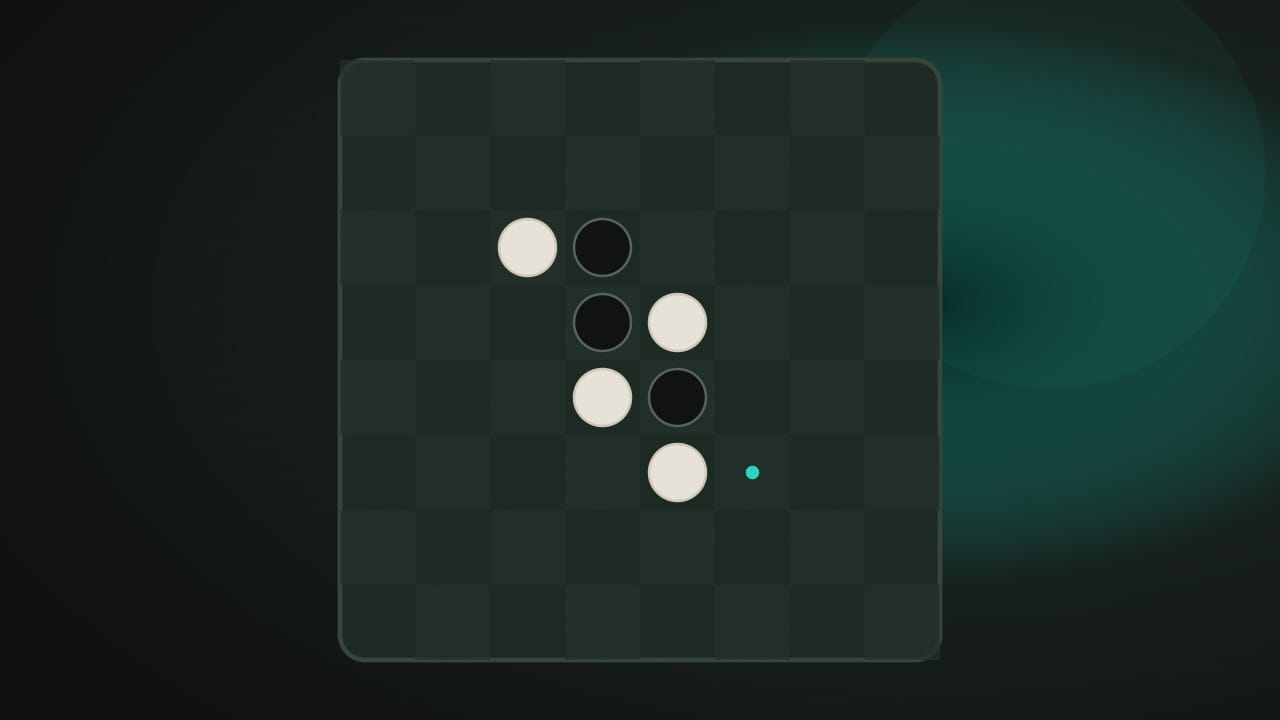
Controls at a glance
Outflank a line of discs, then pass the device.
- Place a discTap or click any highlighted square, or move between playable squares with the arrow keys and press Enter.
- FlippingA legal move outflanks one or more opponent discs in a straight line — horizontal, vertical, or diagonal — and flips every outflanked disc.
- PassingA player with no legal move passes automatically and the other player continues; the game ends when the board is full or neither player can move.
- Legal-move hintsPlayable squares are marked by default; the toolbar button hides the markers if both players prefer reading the board themselves.
About this game
How Reversi works
Reversi begins with four center discs on an 8×8 board. A legal placement changes existing discs as well as adding a new one, so the visible lead can change sharply near the end.
Objective and win/loss conditions
Finish with more discs of your color than the other player. Black moves first. Play ends when the board is full or neither player can make a legal move; equal disc counts are a draw. If only one player is unable to move, that player passes automatically rather than losing immediately.
How it plays
Place on an empty square that brackets at least one opposing disc between your new disc and another of your own. The bracket must be an unbroken horizontal, vertical, or diagonal line. All bracketed enemy discs flip, including lines in several directions from the same placement.
For example, a row segment Black, White, White, empty lets Black play the empty square and flip both White discs. An empty gap between those White discs would break the bracket. You cannot place a disc merely because the square is empty; at least one flip is required.
Scoring and strategy
The score is the number of discs currently showing each color. Only the final comparison decides the result. Flipping many discs early can expose useful moves to your opponent rather than secure a lasting advantage.
Inspect the legal moves your placement leaves behind. An owned corner cannot be outflanked, so avoid offering one without understanding the trade. Near the end, count empty spaces and consider automatic passes: the same player can sometimes take consecutive turns when the opponent has no legal placement.
Local save data
nocharge:passplay:match:reversi keeps the last completed 8×8 result, final Black and White disc totals, and date. It is not a move log or a restored board. Player names stay out of the record, and nothing is synchronized between browsers. My Arcade displays the locally saved outcome.
- Genre
- Pass & Play
- Challenge
- Easy to learn, hard to master
- Typical run
- 5–12 min
Frequently asked questions about Reversi
How do you play Reversi?
Two players, one device. Play Reversi with a friend on one screen. Outflank and flip your opponent's discs on the classic 8×8 board — most discs wins. No account, no timer, no computer opponent.
Is Reversi free to play without an account?
Yes. The game opens without an account, subscription, or cloud profile.
What controls does Reversi support?
Place a disc: Tap or click any highlighted square, or move between playable squares with the arrow keys and press Enter. Flipping: A legal move outflanks one or more opponent discs in a straight line — horizontal, vertical, or diagonal — and flips every outflanked disc. Passing: A player with no legal move passes automatically and the other player continues; the game ends when the board is full or neither player can move. Legal-move hints: Playable squares are marked by default; the toolbar button hides the markers if both players prefer reading the board themselves.
Where does Reversi keep saved results?
Any result or preference the game retains is stored in local storage in this browser. It does not synchronize between devices and can be removed with Clear game data.
What happens if I switch tabs while playing Reversi?
The shared game shell pauses while the page is hidden and stops ambient audio. Returning removes the hidden-page pause, but a manual pause remains in place.
How do I restart Reversi?
Use New game in the shared toolbar or settings panel. Restarting this game does not clear saved results from other games.
Is Reversi timed?
The listed session is 5–12 min. Check the complete guide for mode-specific timing, scoring, and end conditions.
How do sound and ambient controls work in Reversi?
Master mute silences effects and ambient audio. Effects on/off changes game effects only, and the volume control also adjusts an active ambient texture.