Pass & Play
Pass to Player 2
Hand the device over, then continue.
Controls at a glance
Draw one line each turn.
- Draw a lineTap or click any undrawn line between two dots, or reach it with the arrow keys and press Enter.
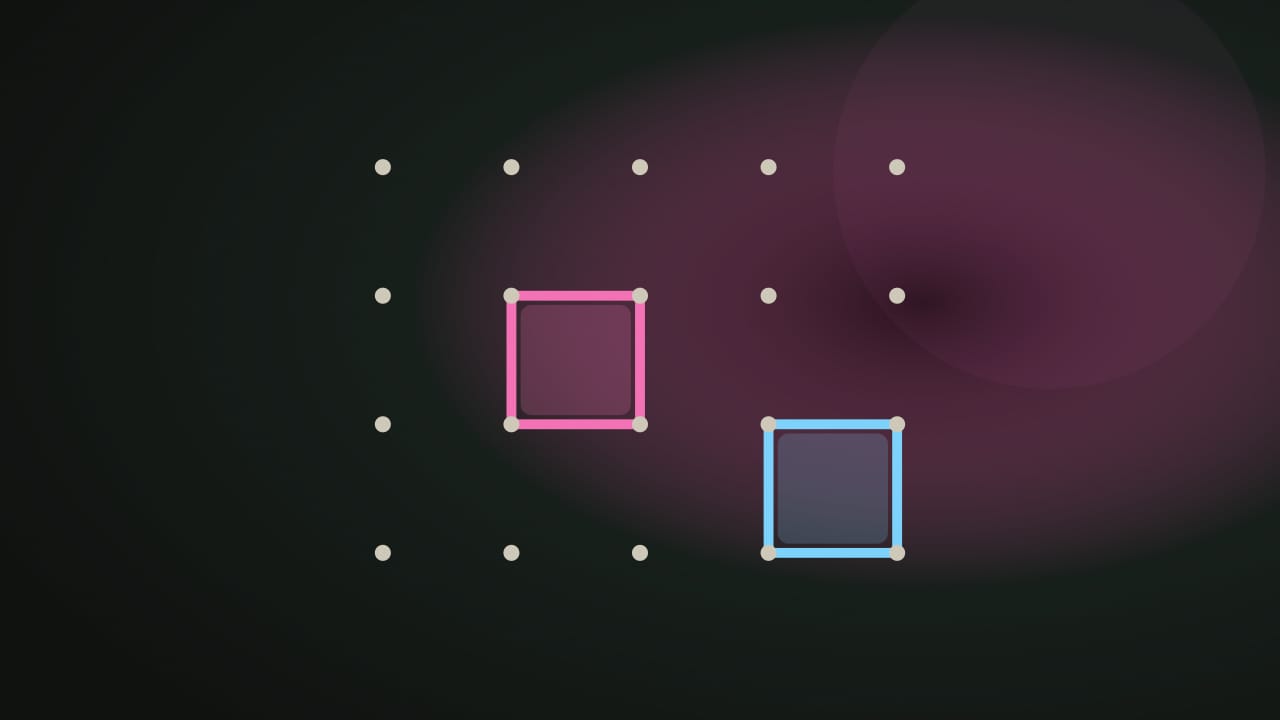
- Claim a boxDrawing the fourth side of a box claims it in your color and grants another line immediately — the device does not pass.
- Pass the deviceWhen no box is completed, the handoff screen offers the device to the other player.
- Board sizeSwitch between the 4×4 board (16 boxes) and the larger 6×6 board (36 boxes) at any time.
About this game
How Dots & Boxes works
Dots & Boxes makes the fourth side of a square more important than its first three. Two people share one screen, and closing a box lets the same player draw again.
Objective and win/loss conditions
Claim more boxes than your opponent by the time every box is enclosed. Equal totals produce a draw. The small board contains 4×4 boxes, or 16 in total; the larger board contains 6×6 boxes, or 36. There is no timer and no computer opponent.
How it plays
Choose an undrawn horizontal or vertical edge between neighboring dots. If the edge finishes no box, the turn passes. If it finishes one or two boxes, those boxes become yours and you keep the turn. It does not matter who drew the other three sides.
For example, two neighboring boxes can each have three sides with their shared middle edge still missing. Drawing that one edge claims both boxes, adds two points, and grants another move. Continue playing until you draw an edge that finishes no box or the board ends.
Scoring and strategy
Every claimed box is worth one point. On a 16-box board, a final 9–7 count wins by two boxes; the number of lines each player drew does not decide the winner.
Before adding a third side, inspect what your opponent could claim next. Several nearly closed boxes can form a chain that one player takes using consecutive extra moves. When only risky openings remain, compare the lengths of the chains you would release rather than treating each edge as an isolated decision.
Local save data
nocharge:passplay:match:dots-and-boxes records the latest completed board size, each player’s box count, result, and date. It stores neither the drawn-edge layout nor player names. Reloading will not resume a half-finished board. My Arcade reads this single browser-local result rather than maintaining a public score table.
- Genre
- Pass & Play
- Challenge
- Easy to learn
- Typical run
- 3–8 min
Frequently asked questions about Dots & Boxes
How do you play Dots & Boxes?
Two players, one device. Play Dots & Boxes with a friend on one screen. Draw lines, complete boxes to claim them and move again, and win the most boxes — no account, no timer.
Is Dots & Boxes free to play without an account?
Yes. The game opens without an account, subscription, or cloud profile.
What controls does Dots & Boxes support?
Draw a line: Tap or click any undrawn line between two dots, or reach it with the arrow keys and press Enter. Claim a box: Drawing the fourth side of a box claims it in your color and grants another line immediately — the device does not pass. Pass the device: When no box is completed, the handoff screen offers the device to the other player. Board size: Switch between the 4×4 board (16 boxes) and the larger 6×6 board (36 boxes) at any time.
Where does Dots & Boxes keep saved results?
Any result or preference the game retains is stored in local storage in this browser. It does not synchronize between devices and can be removed with Clear game data.
What happens if I switch tabs while playing Dots & Boxes?
The shared game shell pauses while the page is hidden and stops ambient audio. Returning removes the hidden-page pause, but a manual pause remains in place.
How do I restart Dots & Boxes?
Use New game in the shared toolbar or settings panel. Restarting this game does not clear saved results from other games.
Is Dots & Boxes timed?
The listed session is 3–8 min. Check the complete guide for mode-specific timing, scoring, and end conditions.
How do sound and ambient controls work in Dots & Boxes?
Master mute silences effects and ambient audio. Effects on/off changes game effects only, and the volume control also adjusts an active ambient texture.