Word Search
Word Search on NoCharge: Quiet Word Hunting
Meet a calm, untimed way to search themed letter grids.
- word-games
- accessibility
- quiet-arcade
Controls at a glance
About this game
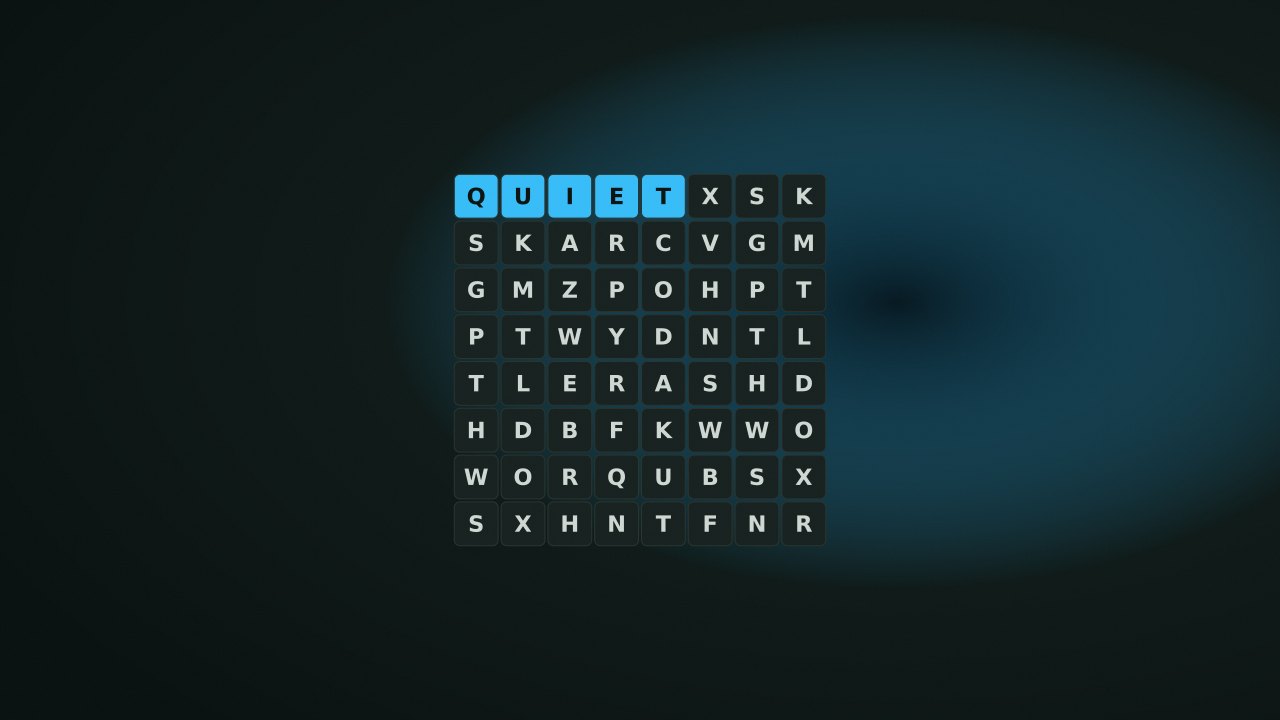
Word Search is an untimed hunt for listed words on an 8×8 or 10×10 letter grid. Themes change the vocabulary, while the selection rule stays the same: a word must follow one straight line.
Find every word in the current puzzle’s list. A selection that is not a listed word does not cost a life, reduce a score, or end the puzzle. There is no countdown. Starting another puzzle resets found words, with a confirmation when you have already begun selecting or finding words.
Choose the first and last letters of a word by tapping, dragging, or using the keyboard cursor and Enter or Space. Horizontal, vertical, and diagonal lines are valid in either direction; a path that bends is not.
For example, if CLOUD runs diagonally from row 1, column 1 to row 5, column 5, those endpoints select its five letters. A word on the same diagonal can also be selected from the opposite end. Found words stay highlighted. Show word list reveals the words to look for, and Hint marks a starting cell for an unfound word without tracing the whole answer.
The game counts completed puzzles, not points, speed, or consecutive days. Scan for an uncommon first letter, then inspect all eight directions for its next letter. Long words often have fewer possible placements near an edge, which can make them useful starting points.
Do not count every word you happen to see in the random filler: only words in the puzzle’s own list count toward completion. A hint carries no score deduction.
The solved counter uses nocharge:word-search:puzzles-solved. The last selected theme is saved through the preference key nocharge:pref:word-search-last-list and is reused on a later visit. The generated letters, selected endpoints, and found-word highlights are not a saved puzzle; reload creates a new grid. Browser site-data controls can remove both records.
Player notes
Original articles about the systems and decisions inside Word Search.
Word Search
Meet a calm, untimed way to search themed letter grids.
Find words at your own pace. A calm single-player word search with curated themes, touch selection, and full keyboard controls.
Yes. The game opens without an account, subscription, or cloud profile.
Touch or pointer: Tap the first letter, then the last letter of a word. Keyboard: Arrow keys move the focus cursor; Enter or Space selects a cell. Themes: Choose from eight general-audience word lists. New puzzle: Start a fresh grid at any time; theme or size changes ask first if you have progress.
Any result or preference the game retains is stored in local storage in this browser. It does not synchronize between devices and can be removed with Clear game data.
The shared game shell pauses while the page is hidden and stops ambient audio. Returning removes the hidden-page pause, but a manual pause remains in place.
Use New game in the shared toolbar or settings panel. Restarting this game does not clear saved results from other games.
The listed session is 5–15 min. Check the complete guide for mode-specific timing, scoring, and end conditions.
Master mute silences effects and ambient audio. Effects on/off changes game effects only, and the volume control also adjusts an active ambient texture.