Dots & Boxes guide
Dots & Boxes Guide: Lines, Chains, and the Extra Turn
How the fourth-side claim and the extra turn work in NoCharge Dots & Boxes, how the device passes (or doesn't), and the chain strategy that decides most games.
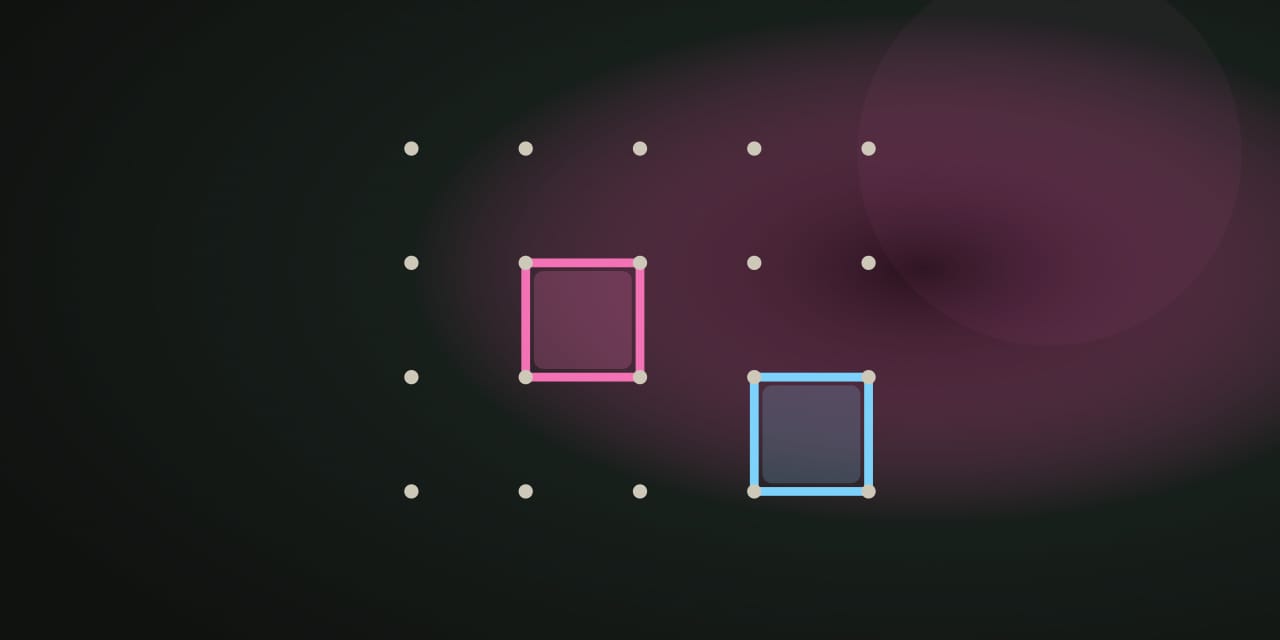
Dots & Boxes is a two-player game of lines and timing. Players alternate drawing single lines between neighboring dots on a 4×4 (16 boxes) or 6×6 (36 boxes) board. Drawing the fourth side of a box claims it in your color — and by the standard rule, completing a box grants another line right away, so one move can start a chain. When every box is claimed, the player with the most boxes wins; an exact tie is a draw.
How to play
On your turn, draw one undrawn line between two neighboring dots. If that line completes a box, the box is yours and you draw again. If it completes more than one box at once, you claim all of them and keep drawing. Otherwise the handoff screen offers the device to the other player.
The current player is always highlighted, and a claimed box flashes once when it closes — an animation that turns itself off for reduced-motion players.
Controls
- Mouse or touch: tap or click any undrawn line.
- Keyboard: reach a line with the arrow keys and press Enter to draw it.
- Claiming a box: no device pass — you simply draw the next line.
- Pass the device: after any line that completes no box, the handoff screen offers the device to the other player.
- Board size: switch between 4×4 and 6×6 at any time.
The chain strategy
A box is cheap; a chain is expensive
Every box you take is worth one point, but a run of boxes strung together — a chain — is worth one point plus the extra turns you were forced to give away. Opening a chain hands your opponent the tempo, so the long-term advantage usually goes to the player who gives up the fewest boxes to keep the move.
Give back the shortest chain you can
When you have to open a chain (when every other line feeds something even longer), open the shortest one. In the endgame this is where games are won: forcing your opponent into the last long chain while you pick up the leftovers.
Take a double-cross whenever you can
Completing two boxes with one line is pure profit — two points for one move, no chain handed over. It looks tempting to decline and play elsewhere, but a free double-cross almost always changes the count.
What stays on this device
The most recent result stays on this device and appears in My Arcade as the single record for this game — nothing is uploaded or tied to an account. Clearing site data or using the Privacy page’s Clear game data control removes it.
Frequently asked questions about Dots & Boxes
How do I play Dots & Boxes?
How the fourth-side claim and the extra turn work in NoCharge Dots & Boxes, how the device passes (or doesn't), and the chain strategy that decides most games.
Does Dots & Boxes need an account?
No. The game opens without an account, and NoCharge does not provide cloud profiles or synchronized saves.
What controls does Dots & Boxes support?
Draw a line: Tap or click any undrawn line between two dots, or reach it with the arrow keys and press Enter. Claim a box: Drawing the fourth side of a box claims it in your color and grants another line immediately — the device does not pass. Pass the device: When no box is completed, the handoff screen offers the device to the other player. Board size: Switch between the 4×4 board (16 boxes) and the larger 6×6 board (36 boxes) at any time.
Where does Dots & Boxes keep saved results?
Any result or preference the game retains is stored in local storage in this browser. The exact value differs by game, does not synchronize, and can be removed with Clear game data.
What happens if I switch tabs while playing Dots & Boxes?
The shared game shell pauses while the page is hidden and stops ambient audio. Returning removes the hidden-page pause, but a manual pause remains in place.
How do I restart Dots & Boxes?
Use New game in the shared toolbar or settings panel. Restarting this game does not clear saved results from other games.
Is Dots & Boxes timed?
The listed session is 3–8 min. Read the timing and scoring sections in this guide because modes within a game can behave differently.
How do sound and ambient controls work in Dots & Boxes?
Master mute silences effects and ambient audio. Effects on/off changes game effects only, and the volume control also adjusts an active ambient texture.