Nonogram
Nonogram on NoCharge: Clues and Accessibility
How NoCharge's Nonogram handles clue display, the accessibility text view, and why there is no fail state or timer.
- Nonogram
- Picross
- Quiet Arcade
Controls at a glance
About this game
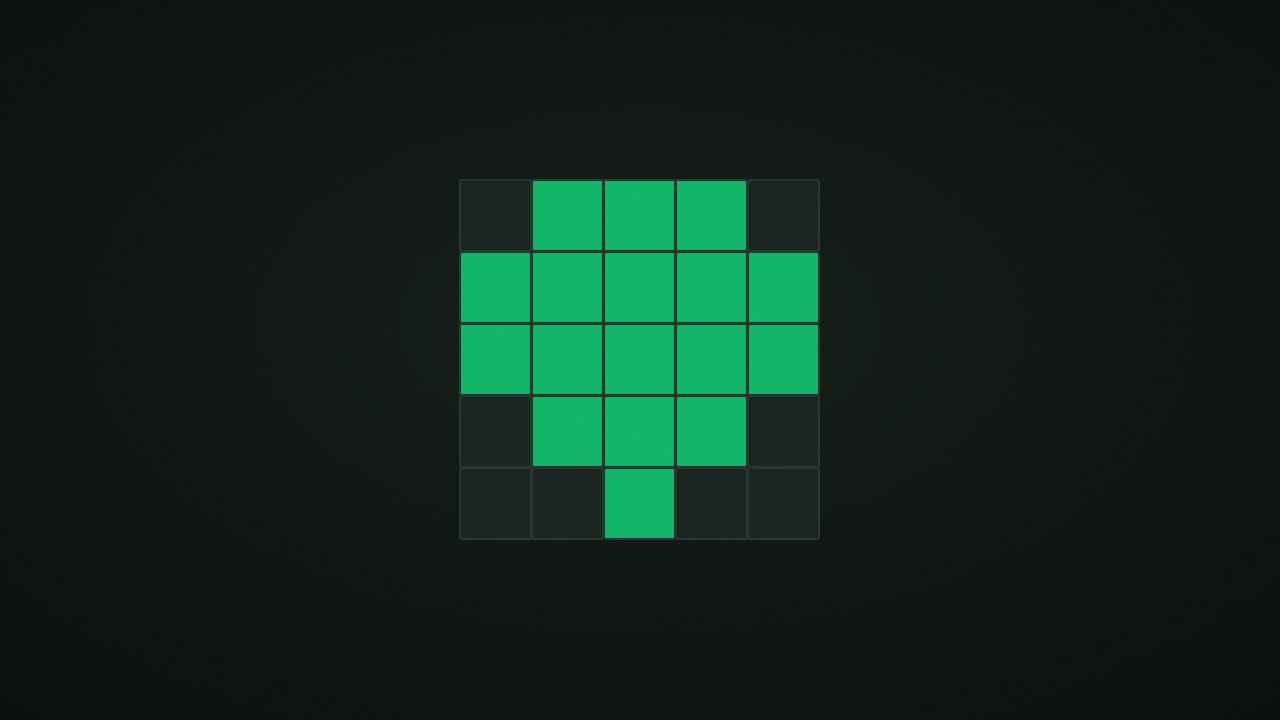
Nonogram turns row and column clues into a hidden picture. NoCharge’s library offers 5×5 and 10×10 boards; filled cells must satisfy both the horizontal and vertical clues.
Reveal the picture by filling its intended cells without filling background cells. The completion check accepts background cells that are empty or still unknown; you do not have to mark every background square explicitly. There is no timer, lives counter, or penalty that locks you out for trying a mark.
Each clue number describes a consecutive filled run. Multiple numbers appear in order with at least one empty cell between runs. On a five-cell line, clue 3 can be XXX.., .XXX., or ..XXX, where X is filled and a dot is empty. The middle cell is filled in all three arrangements, so it is a safe deduction.
A pointer tap cycles unknown → filled → empty → unknown. Keyboard controls let you move the cursor and mark filled or empty directly. Undo restores an earlier marking state. The text-clue view lists the row and column clues without requiring you to read numbers around the visual board.
There is no points score or speed bonus. The persistent metric counts puzzle completions. Start with full-length runs and lines whose minimum span nearly fills the available space. A clue of 2,2 already needs five cells: two filled, one gap, and two filled.
After solving part of a row, inspect the crossing columns rather than guessing the rest of the picture from its apparent shape. Empty marks are useful working notes even though the final completion check does not require every one.
nocharge:nonogram:puzzles-revealed stores the completion count locally. It is not a list of distinct solved puzzle IDs, and it does not save the current marking grid. Reloading or choosing another puzzle starts a fresh board while retaining that count until browser data is cleared.
Player notes
Original articles about the systems and decisions inside Nonogram.
Nonogram
How NoCharge's Nonogram handles clue display, the accessibility text view, and why there is no fail state or timer.
Follow the clues. Reveal the picture. Solve nonogram puzzles in 5×5 and 10×10 grids. Mark cells filled or empty using row and column clues. No timer, no fail state.
Yes. The game opens without an account, subscription, or cloud profile.
Touch or pointer: Tap a cell to cycle through filled, empty, and unknown. Right-tap marks empty. Keyboard: Arrows move cursor. F marks filled, X or Space marks empty, U undoes. Accessibility: Toggle "Show clues as text" for a full text list of every row and column clue.
Any result or preference the game retains is stored in local storage in this browser. It does not synchronize between devices and can be removed with Clear game data.
The shared game shell pauses while the page is hidden and stops ambient audio. Returning removes the hidden-page pause, but a manual pause remains in place.
Use New game in the shared toolbar or settings panel. Restarting this game does not clear saved results from other games.
The listed session is 2–10 min. Check the complete guide for mode-specific timing, scoring, and end conditions.
Master mute silences effects and ambient audio. Effects on/off changes game effects only, and the volume control also adjusts an active ambient texture.