Nonogram guide
Nonogram Guide: Clues, Marking, and Accessibility
Learn how to read nonogram clues, mark cells efficiently, use the accessibility text view, and what NoCharge tracks locally.
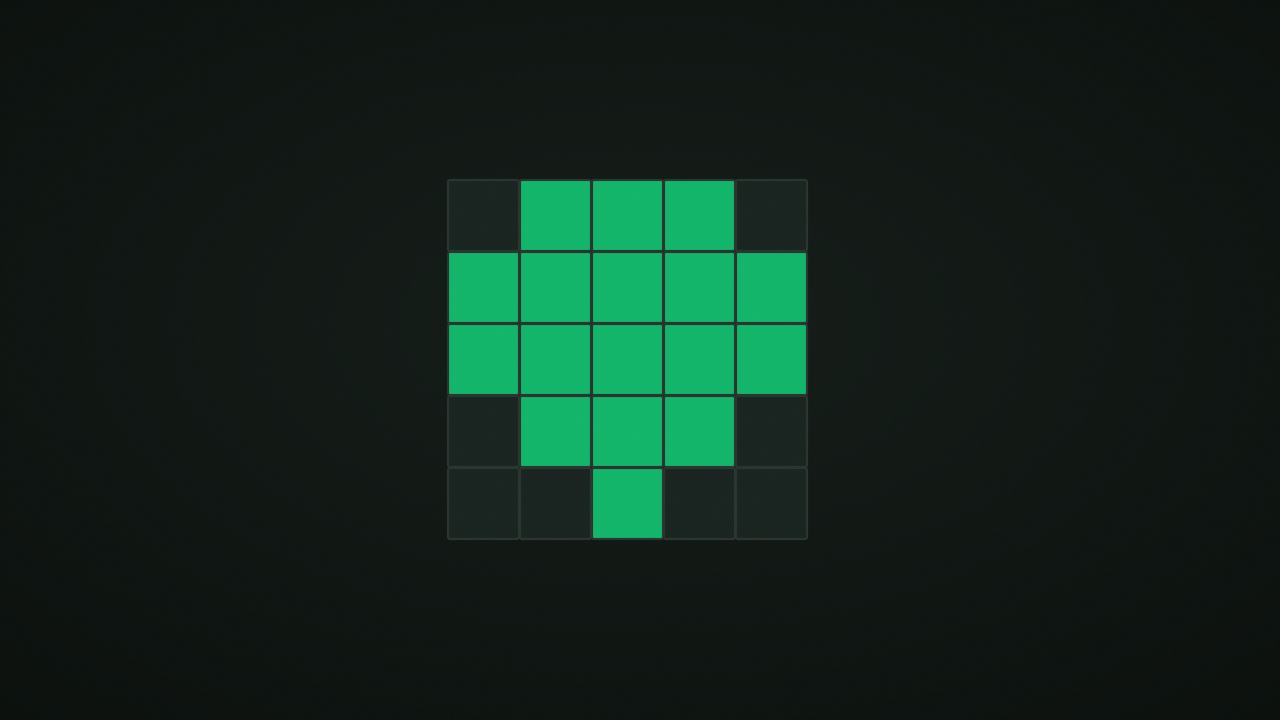
NoCharge Nonogram (also called Picross or griddlers) presents a blank grid with row and column clues. Each clue is a sequence of numbers describing groups of consecutive filled cells. Your task is to determine which cells are filled and which are empty to reveal a hidden picture.
How to play
Select a grid size (5×5 or 10×10) and work through a curated puzzle. Each row and column has a clue. For example, a row clue of “3 1” means there are three consecutive filled cells, then at least one empty cell, then one filled cell.
Mark cells as filled (click/tap) or empty (right-click or X key). The puzzle is solved when every cell is correctly marked.
Controls at a glance
- Touch or pointer: tap to cycle through filled → empty → unknown. Right-click marks empty directly.
- Keyboard: arrows move the cursor. F marks filled. X or Space marks empty. U undoes.
- Size toggle: switch between 5×5 and 10×10 puzzles.
- Next puzzle: move to the next puzzle in the current size category.
- Show clues as text: toggle a full text listing of every clue for screen reader or text-based play.
How clue interpretation works
A clue like “2 3” on a 5-cell row means: two filled cells, at least one gap, then three filled cells. Since 2 + 1 (gap) + 3 = 6, which exceeds 5 cells, this specific example cannot fit in a 5-cell row. But on a 10-cell row, “2 3” has multiple valid placements.
Overlap technique
When a group is large enough that its possible positions overlap, the overlapping cells must be filled. For example, “4” on a 5-cell row: the group can start at position 0 or 1, so positions 1, 2, and 3 are filled regardless.
Edge anchoring
When a group fills an entire row or column, mark it completely. When a filled cell is at an edge and its group extends to that edge, mark the full group.
Strategy and patterns
Start with the most constrained lines
Rows or columns with large numbers or many groups have fewer valid placements. Solve these first to create anchor points for crossing lines.
Use marks to eliminate
Marking a cell as empty is just as informative as marking it filled. When you know a cell cannot be filled, marking it empty constrains adjacent groups.
Cross-reference rows and columns
A filled cell in a row constrains the column it belongs to, and vice versa. Work back and forth between rows and columns as new information appears.
Accessibility
Show clues as text
The “Show clues as text” button reveals a complete text listing of every row and column clue. This is useful for screen reader users who may not easily read the visual clue labels, and for anyone who prefers a text reference while solving.
Keyboard navigation
Arrow keys move a visible cursor across the grid. F marks the current cell filled, X or Space marks it empty. Every action is available without a pointer.
No fail state
There is no wrong-answer penalty, no timer, and no streak. You can mark and unmark cells freely until the puzzle is solved.
What we don’t claim
We do not claim that any specific strategy is optimal. Nonogram solving involves many valid approaches, and the best technique depends on the specific puzzle. We track your revealed puzzle count as a personal record.
Every puzzle in our library has been validated to have a unique solution.
Frequently asked questions about Nonogram
How do I play Nonogram?
Learn how to read nonogram clues, mark cells efficiently, use the accessibility text view, and what NoCharge tracks locally.
Does Nonogram need an account?
No. The game opens without an account, and NoCharge does not provide cloud profiles or synchronized saves.
What controls does Nonogram support?
Touch or pointer: Tap a cell to cycle through filled, empty, and unknown. Right-tap marks empty. Keyboard: Arrows move cursor. F marks filled, X or Space marks empty, U undoes. Accessibility: Toggle "Show clues as text" for a full text list of every row and column clue.
Where does Nonogram keep saved results?
Any result or preference the game retains is stored in local storage in this browser. The exact value differs by game, does not synchronize, and can be removed with Clear game data.
What happens if I switch tabs while playing Nonogram?
The shared game shell pauses while the page is hidden and stops ambient audio. Returning removes the hidden-page pause, but a manual pause remains in place.
How do I restart Nonogram?
Use New game in the shared toolbar or settings panel. Restarting this game does not clear saved results from other games.
Is Nonogram timed?
The listed session is 2–10 min. Read the timing and scoring sections in this guide because modes within a game can behave differently.
How do sound and ambient controls work in Nonogram?
Master mute silences effects and ambient audio. Effects on/off changes game effects only, and the volume control also adjusts an active ambient texture.