Twenty Forty-Eight
Twenty Forty-Eight on NoCharge: Merge Strategy
How NoCharge's 2048 handles merging, what the corner-anchor pattern does, and why we never call any tile value optimal.
- 2048
- merge puzzle
- Quiet Arcade
Controls at a glance
About this game
Twenty Forty-Eight slides number tiles across a 4×4 board. Equal values combine, but the direction of a move determines which pairs meet first.
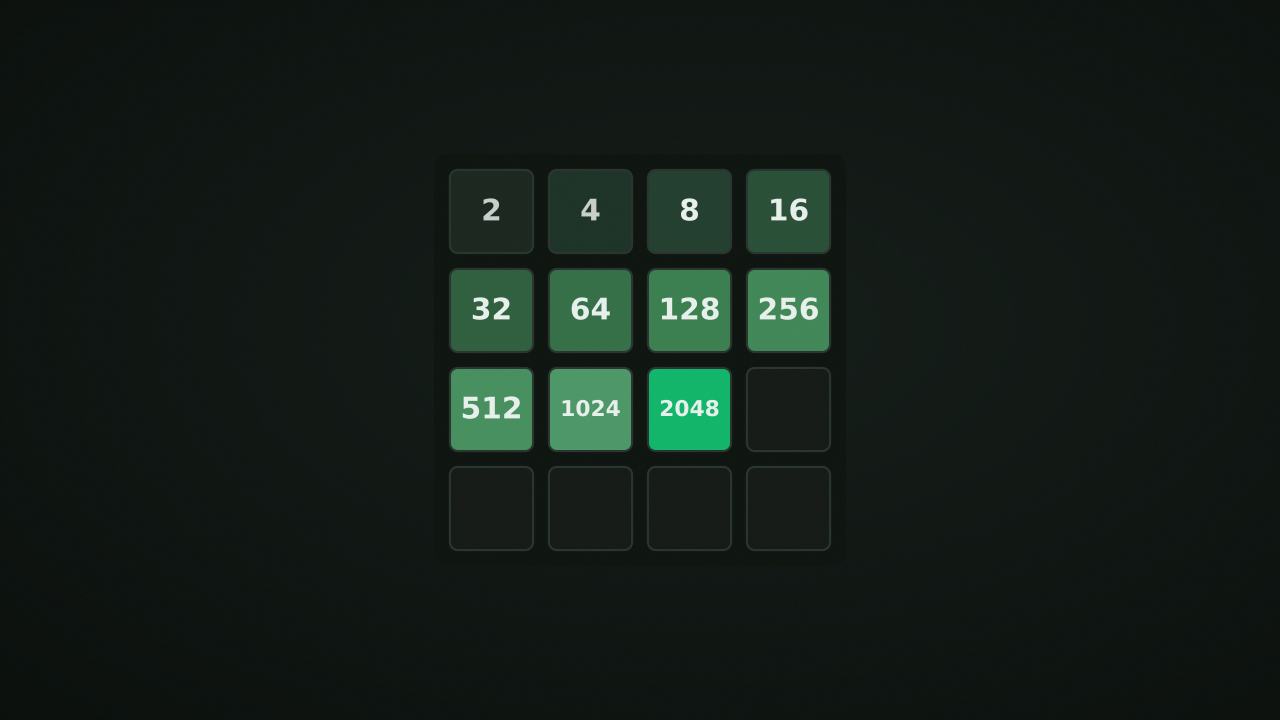
Build a 2048 tile to reach the target; larger tiles remain possible if you continue. The board is over when it is full and no horizontal or vertical neighboring pair can merge. A move that changes nothing does not spawn a new tile.
Slide with arrow keys, WASD, or a swipe. All tiles travel as far as they can in that direction. Equal neighbors merge once per move. After a successful slide, a new tile appears in an empty cell: 2 with 90% probability or 4 with 10%.
For example, before the new tile spawns, sliding the row 2, 2, 2, 2 left produces 4, 4, empty, empty. It does not produce 8 in one move because newly merged tiles cannot merge again until the next slide. A row of 2, 2, 4, empty similarly becomes 4, 4, empty, empty.
Each merge adds the value of its resulting tile to the current score. The four-twos example earns 4 + 4 = 8 points. The persistent best, however, is the largest tile reached, not the run’s point total.
Keeping a large tile near one corner can make a descending chain easier to maintain. Before changing direction, check whether the slide separates a useful pair or traps a smaller tile behind a larger one. Random spawns mean this is a planning habit, not a guarantee of reaching 2048. Undo can restore a previous board.
nocharge:2048:best-tile remembers the highest tile reached in this browser’s localStorage. It does not store the current score, full grid, or undo sequence. Reloading begins a new board with the saved best tile still available as a personal reference.
Player notes
Original articles about the systems and decisions inside Twenty Forty-Eight.
Twenty Forty-Eight
How NoCharge's 2048 handles merging, what the corner-anchor pattern does, and why we never call any tile value optimal.
Slide tiles. Merge doubles. Play 2048 in your browser on a classic 4×4 grid. Slide and merge tiles to reach 2048 and beyond. No timer, no leaderboard.
Yes. The game opens without an account, subscription, or cloud profile.
Touch: Swipe in any direction to slide all tiles. Keyboard: Arrow keys or WASD to slide. U to undo. Goal: Merge equal tiles to reach 2048. Keep going for higher tiles.
Any result or preference the game retains is stored in local storage in this browser. It does not synchronize between devices and can be removed with Clear game data.
The shared game shell pauses while the page is hidden and stops ambient audio. Returning removes the hidden-page pause, but a manual pause remains in place.
Use New game in the shared toolbar or settings panel. Restarting this game does not clear saved results from other games.
The listed session is 3–10 min. Check the complete guide for mode-specific timing, scoring, and end conditions.
Master mute silences effects and ambient audio. Effects on/off changes game effects only, and the volume control also adjusts an active ambient texture.