Twenty Forty-Eight guide
Twenty Forty-Eight Guide: Merge Strategy and Calm Play
Learn how NoCharge Twenty Forty-Eight handles merging, the corner-anchor pattern, accessibility, and what local metrics track.
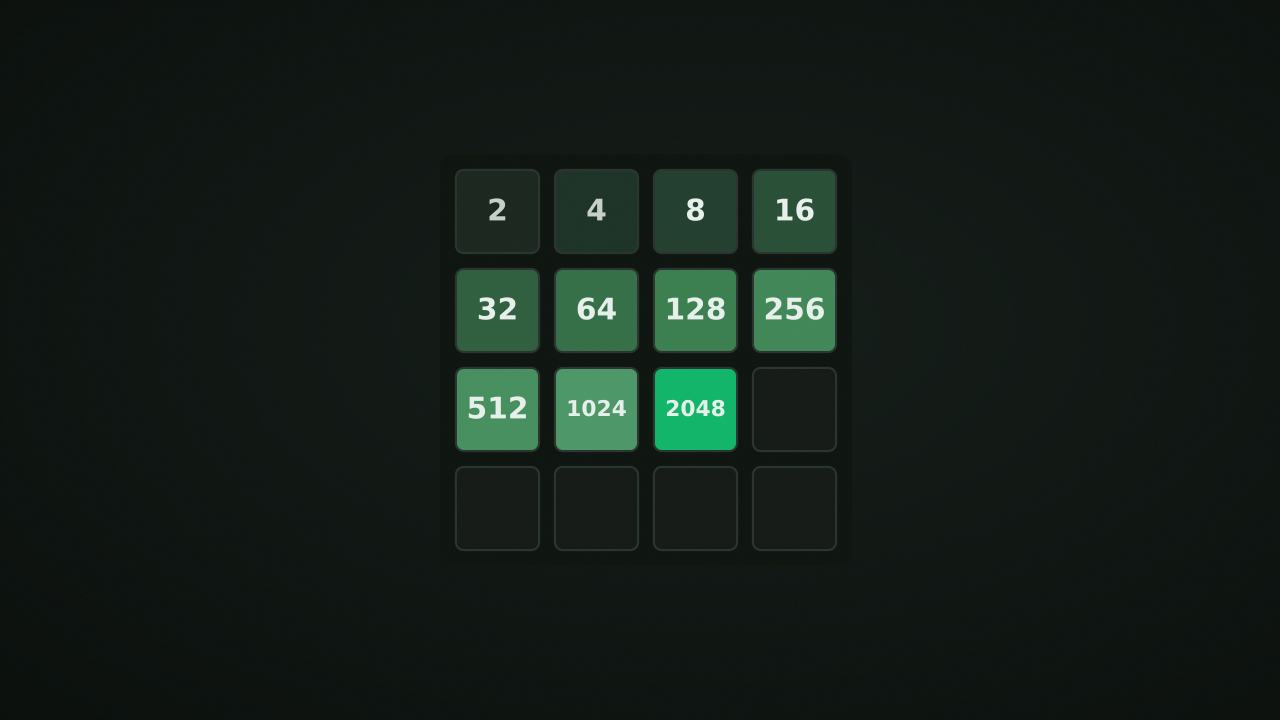
NoCharge Twenty Forty-Eight is a sliding tile puzzle on a 4×4 grid. Slide all tiles in one direction to merge equal neighbors. New tiles appear after each move. Reach the 2048 tile to complete the game, or continue for higher tiles.
How to play
The grid starts with two tiles, each showing 2 or 4. Slide all tiles in one of four directions. When two equal tiles collide, they merge into their sum (2+2=4, 4+4=8, and so on). After each slide, a new tile (usually 2, sometimes 4) appears in a random empty cell.
The game ends when no slide produces any change.
Controls at a glance
- Touch: swipe in any direction.
- Keyboard: arrow keys or WASD to slide. U to undo.
- New game: start over at any time.
How merging works
All tiles slide as far as possible in the chosen direction. Tiles merge only once per move: if three equal tiles line up, the first two merge and the third slides into the gap. If four equal tiles line up, they form two pairs that merge independently.
Each merge adds the merged tile’s value to your score. A new tile spawns after every successful move (one that changed the board).
Strategy and patterns
The corner-anchor pattern
Many experienced players keep their highest tile in one corner and build a descending chain along two edges. For example, if your highest tile is in the bottom-right, you might arrange:
...  .
...  .
.. 8 16
.. 32 64
This concentrates merging in predictable directions and reduces the chance of tiles getting stuck.
Limit your directions
Using only two or three directions (for example, down and right, with left only when necessary) keeps tiles organized and reduces the chance of splitting matching pairs.
Keep the board open
Merges require empty cells. When the board fills up, your options shrink rapidly. Look for merge opportunities that clear multiple cells at once.
Accessibility
- Every cell has an aria-label describing its position and value.
- Keyboard controls (arrows and WASD) provide a complete play experience.
- Tile animations respect
prefers-reduced-motion: when reduced motion is enabled, tiles snap to their new positions without animation. - The undo button lets you recover from accidental moves.
What we don’t claim
We display “Best: 1024” (or whatever your highest tile is) as a factual record. We never claim that any tile value is “good,” “optimal,” or that any strategy is the best approach. Different play styles produce different results, and we don’t evaluate your performance against any benchmark.
Frequently asked questions about Twenty Forty-Eight
How do I play Twenty Forty-Eight?
Learn how NoCharge Twenty Forty-Eight handles merging, the corner-anchor pattern, accessibility, and what local metrics track.
Does Twenty Forty-Eight need an account?
No. The game opens without an account, and NoCharge does not provide cloud profiles or synchronized saves.
What controls does Twenty Forty-Eight support?
Touch: Swipe in any direction to slide all tiles. Keyboard: Arrow keys or WASD to slide. U to undo. Goal: Merge equal tiles to reach 2048. Keep going for higher tiles.
Where does Twenty Forty-Eight keep saved results?
Any result or preference the game retains is stored in local storage in this browser. The exact value differs by game, does not synchronize, and can be removed with Clear game data.
What happens if I switch tabs while playing Twenty Forty-Eight?
The shared game shell pauses while the page is hidden and stops ambient audio. Returning removes the hidden-page pause, but a manual pause remains in place.
How do I restart Twenty Forty-Eight?
Use New game in the shared toolbar or settings panel. Restarting this game does not clear saved results from other games.
Is Twenty Forty-Eight timed?
The listed session is 3–10 min. Read the timing and scoring sections in this guide because modes within a game can behave differently.
How do sound and ambient controls work in Twenty Forty-Eight?
Master mute silences effects and ambient audio. Effects on/off changes game effects only, and the volume control also adjusts an active ambient texture.