Color Flip
Understanding the four-color cycle in Color Flip
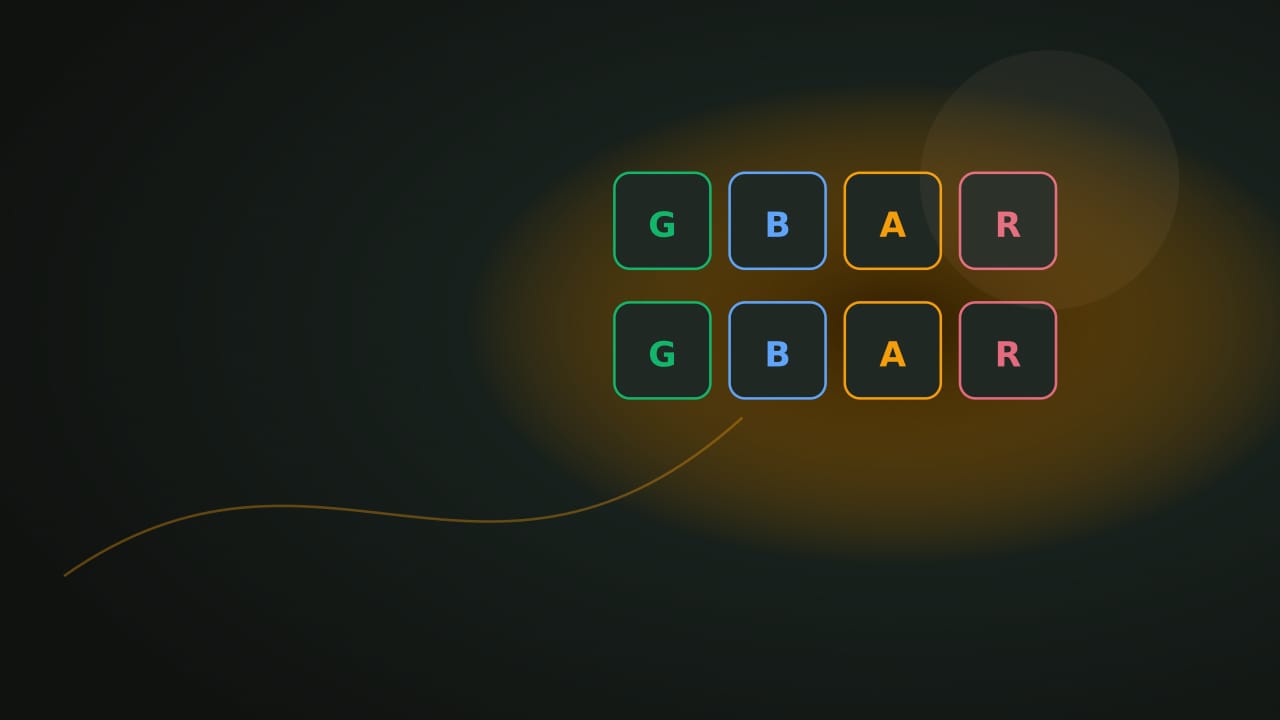
Learn the labeled Color Flip colors and the fixed cycle used by turn-based mode.
- Color Flip
- color cycle
- controls
Controls at a glance
About this game
Color Flip offers a spatial tap-to-step board and a separate turn-based color-matching mode. Both use letters alongside color: G for green, B for blue, A for amber, and R for rose.
Build a run of correct-color steps. A matching destination adds a point; stepping onto a different color ends the round. There is no target score to finish and no countdown in either mode. The visual board also offers a one-step undo for reconsidering the last move.
In visual mode, choose your color at the start, then move one tile up, down, left, or right. Diagonal moves are not allowed. The 5×5 viewport shifts after a step to keep the player centered and brings new tiles into view.
With rotation set to Never, your chosen color stays fixed. Every 5 steps or Every 10 steps rotates it through Green → Blue → Amber → Rose. For example, with Every 5 steps enabled, your fifth successful green step scores before your color becomes blue; inspect the blue destinations before moving again.
Turn-based mode instead announces one upcoming tile. Use Cycle color until the player matches it, then Step forward. It does not use the spatial grid.
One correct step equals one point, with separate bests for the two modes. In visual play, inspect the next adjacent options rather than assuming every direction remains available after the grid shifts. Near a rotation boundary, plan for the next color as well as the current one. In turn-based play, compare the named current color and next tile before stepping.
localStorage holds the visual best at nocharge:color-flip:high, the turn-based best at nocharge:color-flip-turn-based:high, and the rotation choice at nocharge:pref:color-flip-rotation. It does not restore the current grid or an unfinished run. These records are specific to the browser where you played.
Player notes
Original articles about the systems and decisions inside Color Flip.
Color Flip
Learn the labeled Color Flip colors and the fixed cycle used by turn-based mode.
Color Flip
Choose one labeled color before stepping through a calm Color Flip round.
Color Flip
Compare Color Flip’s calm tap-to-step board with its untimed Cycle color and Step forward mode.
Pick a color. Step carefully. Take your time. A calm tile puzzle where you pick a color and step through matching tiles. No timer, no reflex pressure. Turn-based mode also available.
Yes. The game opens without an account, subscription, or cloud profile.
Visual mode: Pick one color at round start, then tap adjacent tiles to step. Matching color scores. Color rotation: Toggle between Never, Every 10 steps, or Every 5 steps for color changes during play. Turn-based mode: Use Cycle color and Step forward with no timing requirement.
Any result or preference the game retains is stored in local storage in this browser. It does not synchronize between devices and can be removed with Clear game data.
The shared game shell pauses while the page is hidden and stops ambient audio. Returning removes the hidden-page pause, but a manual pause remains in place.
Use New game in the shared toolbar or settings panel. Restarting this game does not clear saved results from other games.
The listed session is 1–4 min. Check the complete guide for mode-specific timing, scoring, and end conditions.
Master mute silences effects and ambient audio. Effects on/off changes game effects only, and the volume control also adjusts an active ambient texture.