Memory Match
Flip cards. Find pairs.
Native card buttons can be reached with Tab and revealed with Enter or Space through a complete matching run.
Reviewed collection
NoCharge games with complete documented keyboard operation for their current controls and game actions.
Reviewed
Include a current game only when its complete play loop is documented and operable from a keyboard without requiring touch or pointer input, and the game catalog's hasKeyboardComplete flag is true (verified against game code, not guide prose alone).
These games offer a documented keyboard route through current play. “Keyboard-friendly” does not claim completed testing with every keyboard layout or assistive technology; consult the Accessibility Statement for current manual-testing status. Pass the Picture is deliberately excluded because drawing strokes requires a pointer — its color, undo, and restart controls are keyboard-operable, but its core action is not.
NoCharge games are designed to open directly without registration. This collection groups titles that share that property so readers can find them without guessing. It is not a ranking and does not imply endorsement of one game over another.
A game is included when its complete play loop requires no account and any retained result stays in local browser storage. We verify this against current code and against the privacy page that documents local keys. Games that require a server profile are excluded.
Each card shows genre, typical session length, and a specific reason tied to its rules. For example, Memory Match retains best moves and best time locally, while Pass & Play titles retain only the most recent match result. No single score spans different games.
You already have what you need: a current browser. No special hardware, keyboard, or pointer is required beyond what each game page documents. If a control feels awkward, check its guide for keyboard alternatives, pointer speed, or touch options. Adjusting an existing device often solves the friction without shopping.
Local storage is device-specific. A different browser, private window, or another device will not have the same saves. This collection does not promise accessibility or comfort for every person. Open the Arcade, pick a game with the session length you have, and play one run. My Arcade will show local progress after meaningful play.
Open the collection page, scan the grid for genre and session length, and open a game that matches the time you have. Each game page documents its controls and links to its definitive guide. No account or purchase is needed.
All games in this collection work without an account and keep results in this browser only. My Arcade shows what this browser already saved. Clearing game data via Privacy removes these local keys without affecting analytics consent.
Browse other curated collections for short breaks, keyboard-friendly play, or untimed modes. Each collection states its inclusion method and explains every member.
Flip cards. Find pairs.
Native card buttons can be reached with Tab and revealed with Enter or Space through a complete matching run.
Spell words. Clear the grid.
Letter tiles, Submit, and Clear expose keyboard focus and activation for building and submitting an adjacent path.
Pick a color. Step carefully. Take your time.
Labeled color buttons and shortcuts operate Visual mode, while standard buttons operate the complete Turn-based mode.
Cover every cell. Overlap nothing.
Arrow keys move the grid cursor; number keys choose a beacon; Enter or Space places, Delete removes, and U undoes.
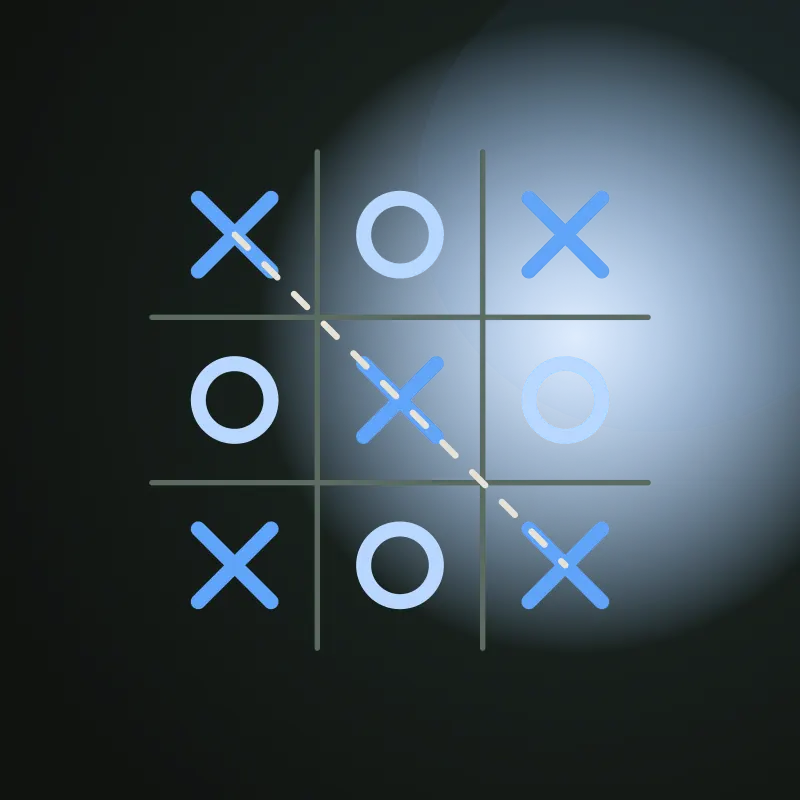
Two players, one device.
Arrow keys move between squares and Enter or Space places a mark; mode changes and the handoff are all keyboard-operable.
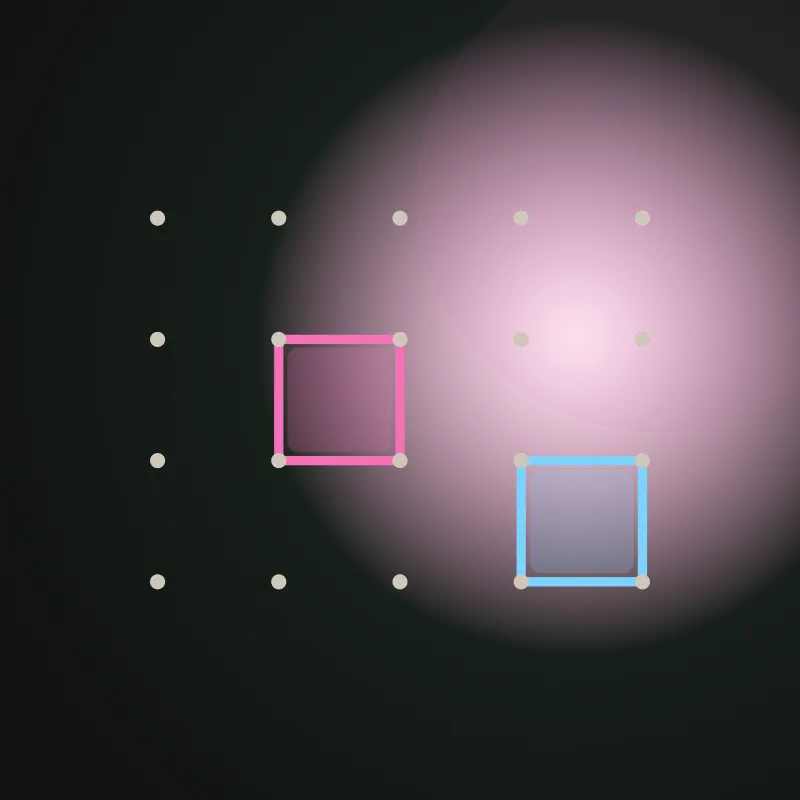
Two players, one device.
Arrow keys walk the undrawn edges of the board and Enter or Space draws one, so a whole game needs no pointer.
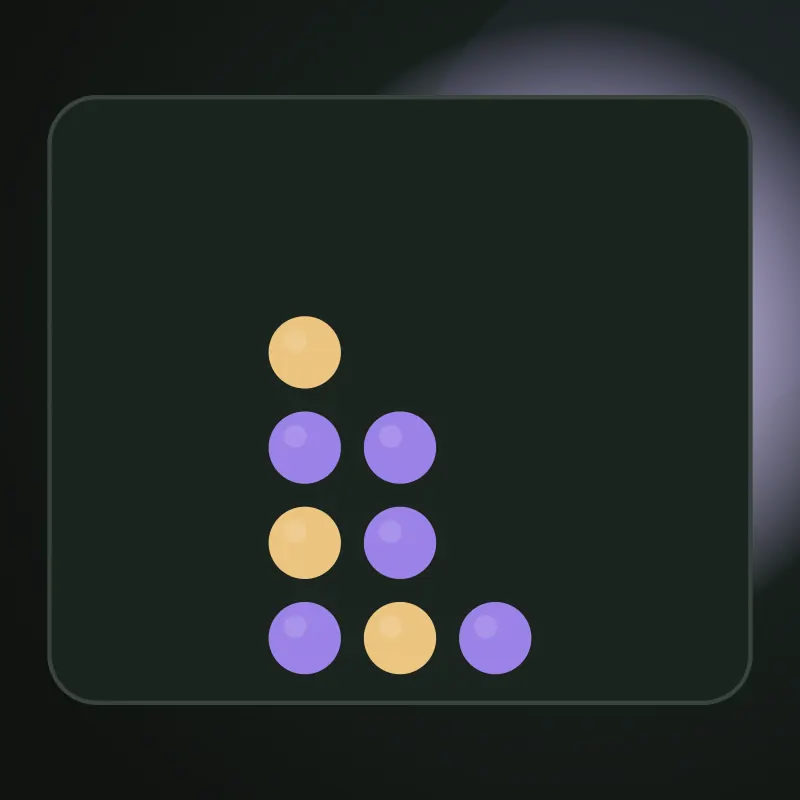
Two players, one device.
Left and right arrows move between open columns and Enter drops a disc, matching the labeled column buttons.
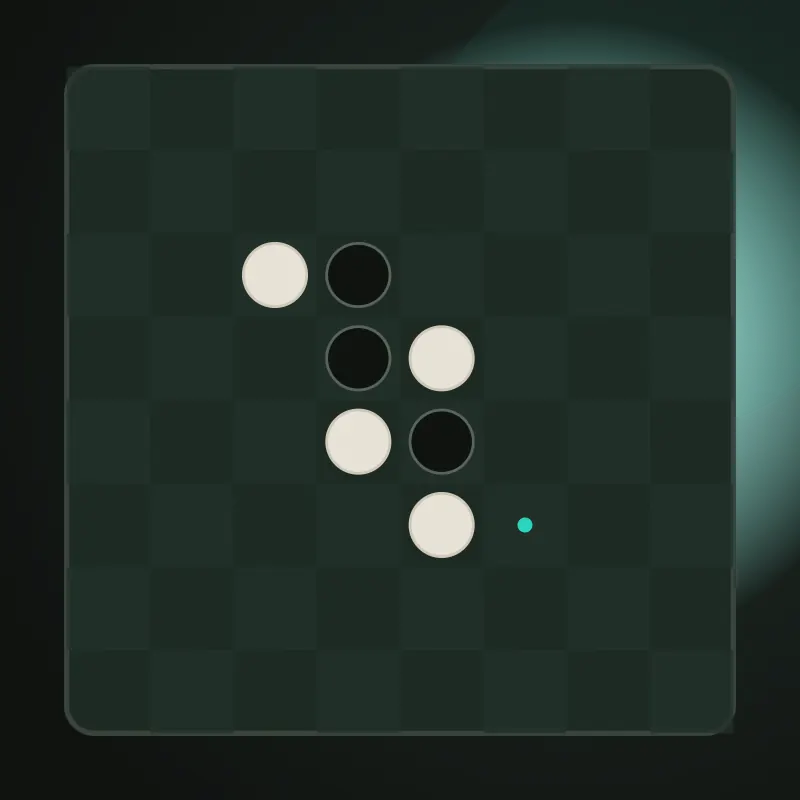
Two players, one device.
Arrow keys move directly between the squares that are legal for the turn, and Enter or Space places the disc.

Two players, one device.
Every legal take is a labeled button reached by Tab or arrows, and Enter or Space removes the tokens.
Classic solitaire. Draw one or three.
Keyboard shortcuts (D to draw, U to undo) and tab-navigable stock, waste, tableau columns, and foundations provide complete play without a pointer.
All cards visible. Plan your moves.
Tab-navigable free cells, foundations, and tableau columns allow full play; U undoes.
Follow the clues. Reveal the picture.
Arrow keys move the grid cursor; F marks filled, X or Space marks empty, U undoes — the full solve loop needs no pointer.
Slide tiles. Merge doubles.
Arrow keys and WASD slide tiles; U undoes. Touch swipe is also available but not required.
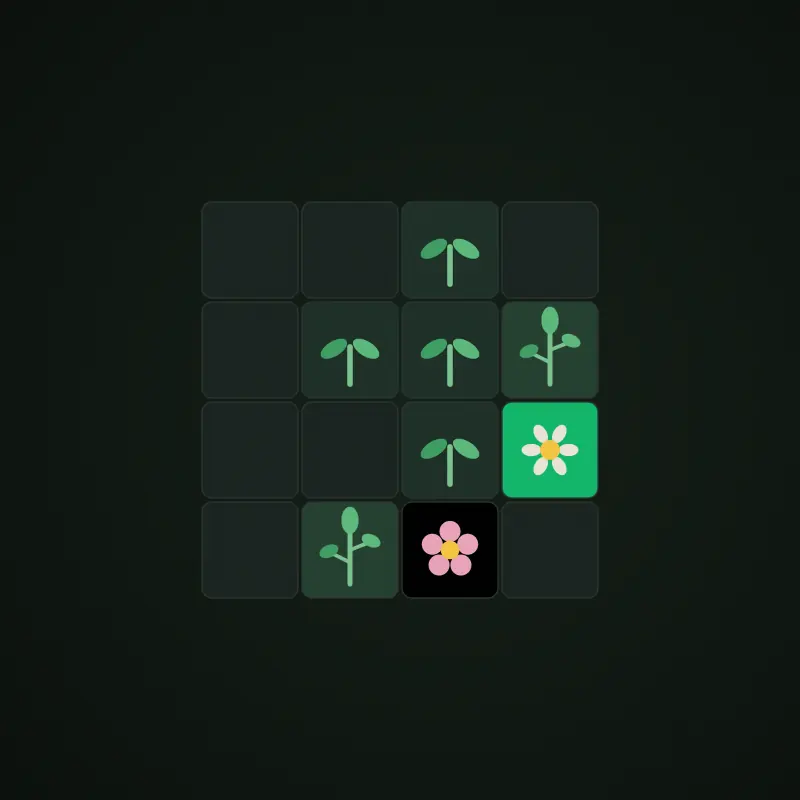
Plant seeds. Grow flowers. No rush.
Arrow keys move the cursor, Enter or Space places a tile, U undoes — complete play without a pointer.
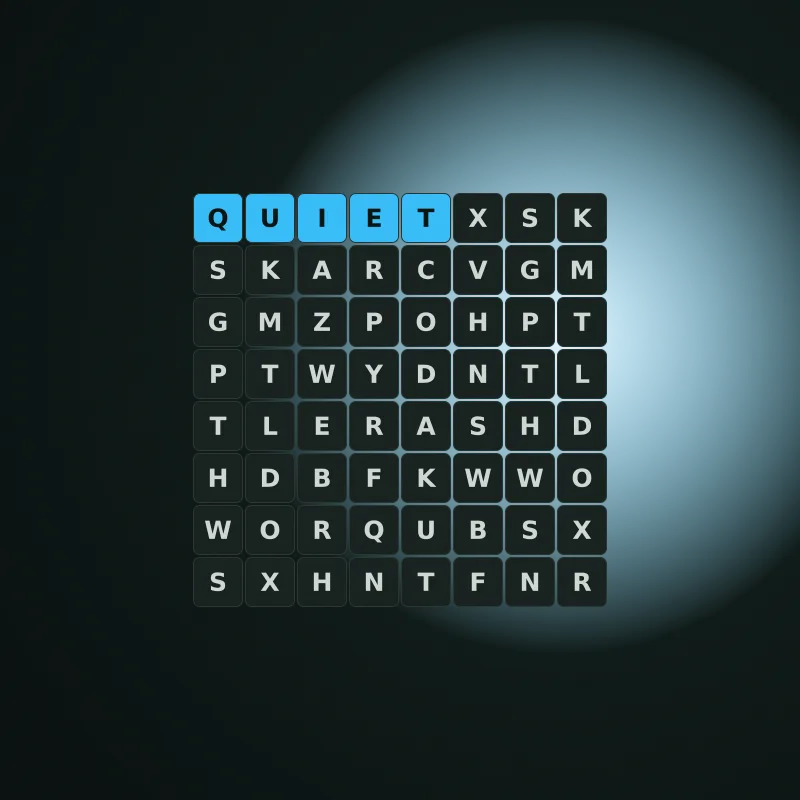
Find words at your own pace.
Arrow keys move a focus cursor across a calm, untimed grid and Enter selects cells — complete play without a pointer.
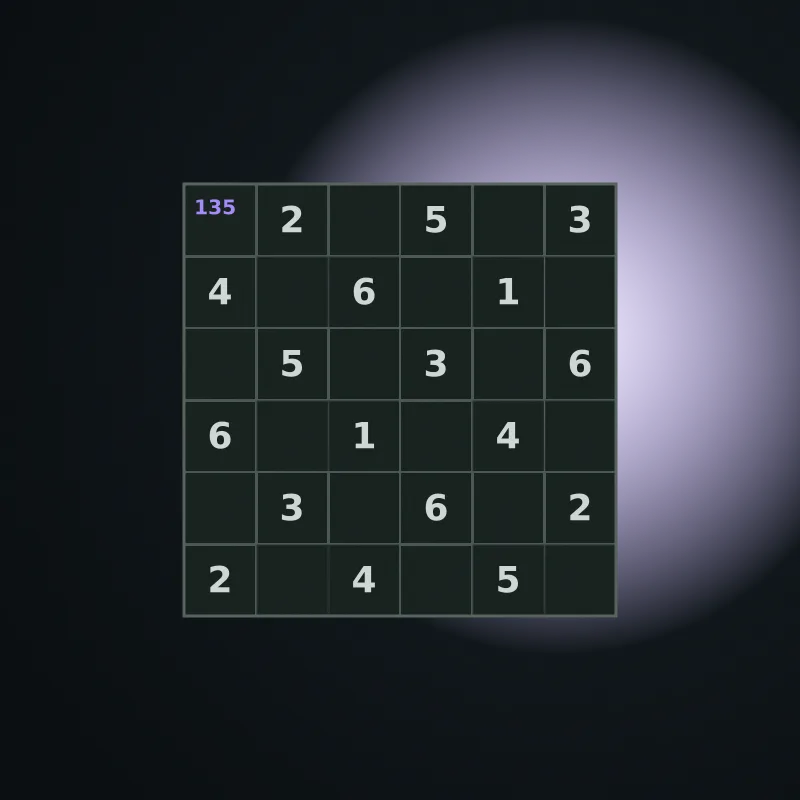
A small grid, a quiet puzzle.
A labeled 6×6 grid supports keyboard entry, movement, checking, and undo without a pointer.
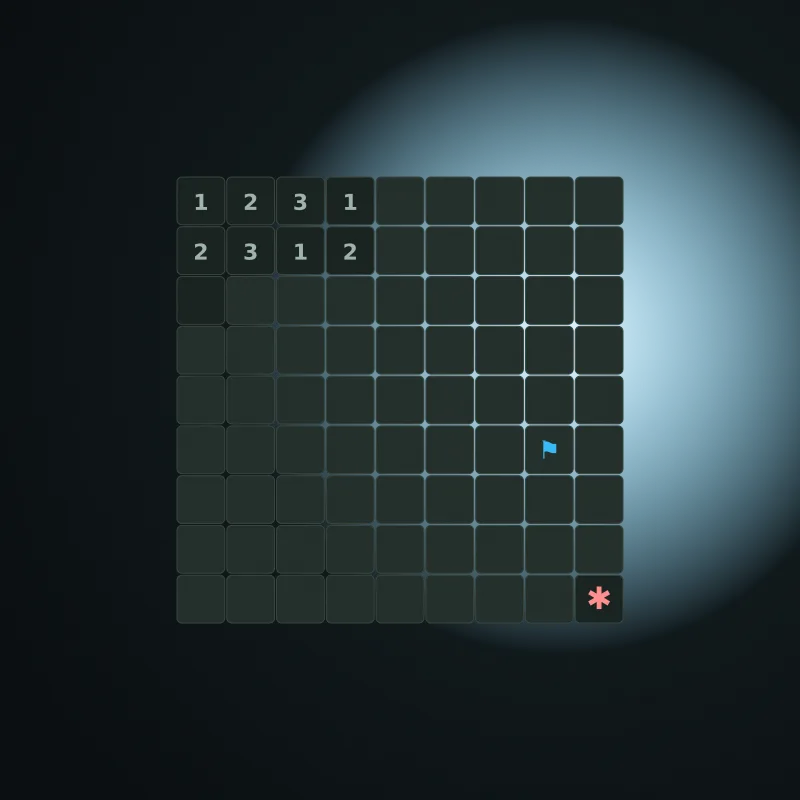
Clear the field, one safe cell at a time.
Arrow keys move the cursor, Enter reveals or chords, and F flags — the full clear loop needs no pointer.
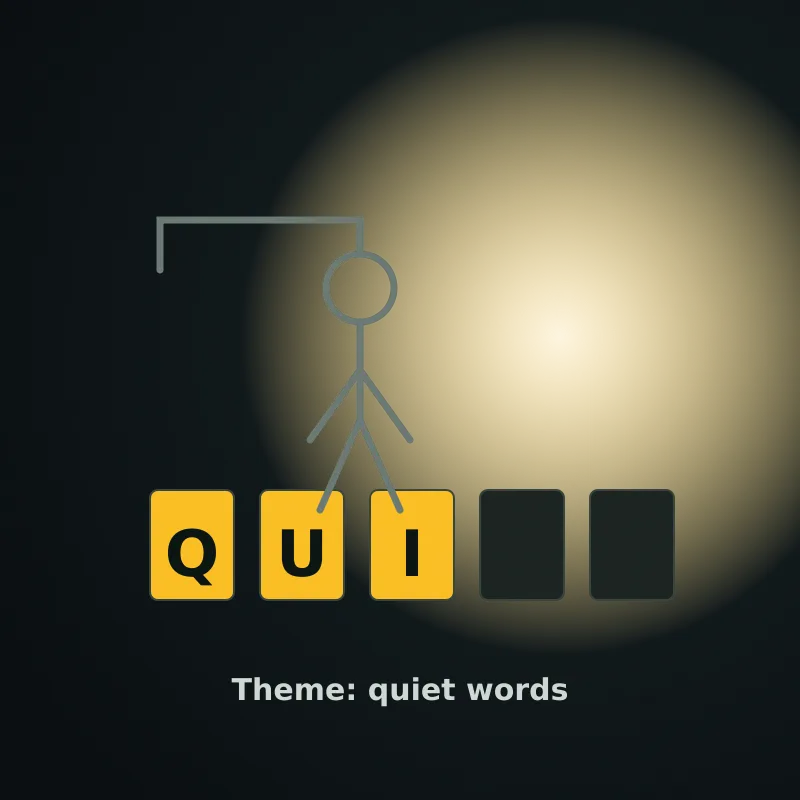
Guess the calm word, one letter at a time.
Type any letter to guess, Tab to the on-screen alphabet, and Enter to start a new round — no pointer needed.
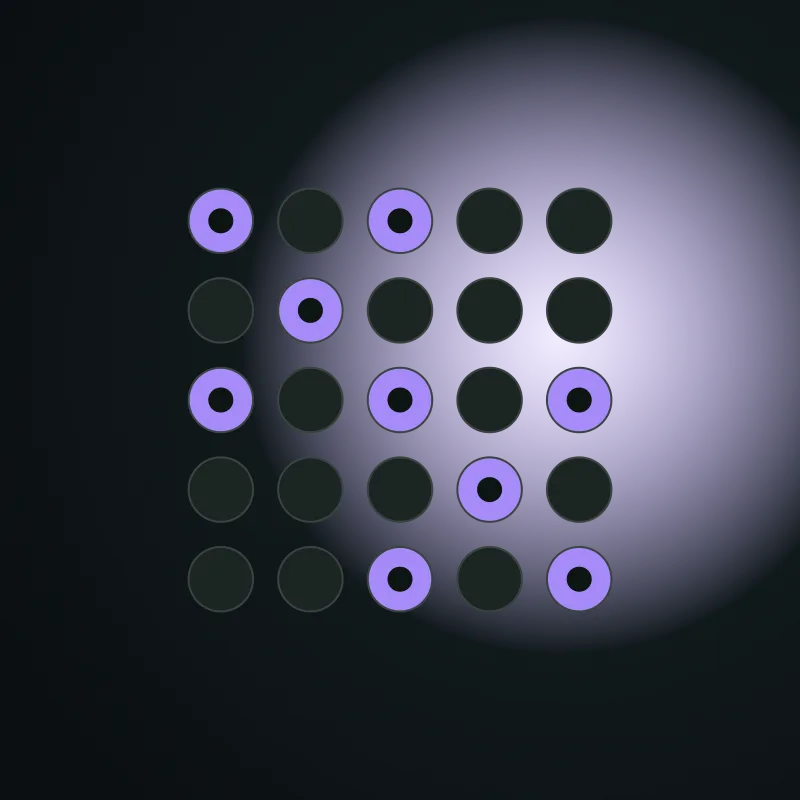
Turn every light off with five-cell toggles.
Arrow keys move and Enter or Space presses; the full 5×5 loop runs without a pointer.
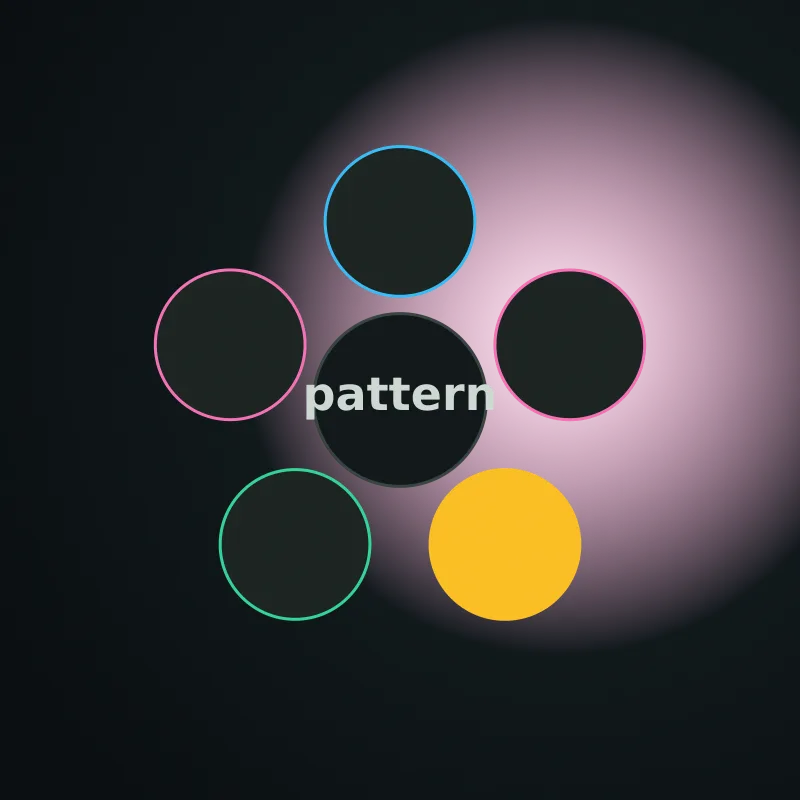
Watch the pattern. Repeat it. No flashing required.
Tab to the pads and press Enter or Space; the pattern is announced by name in calm mode.
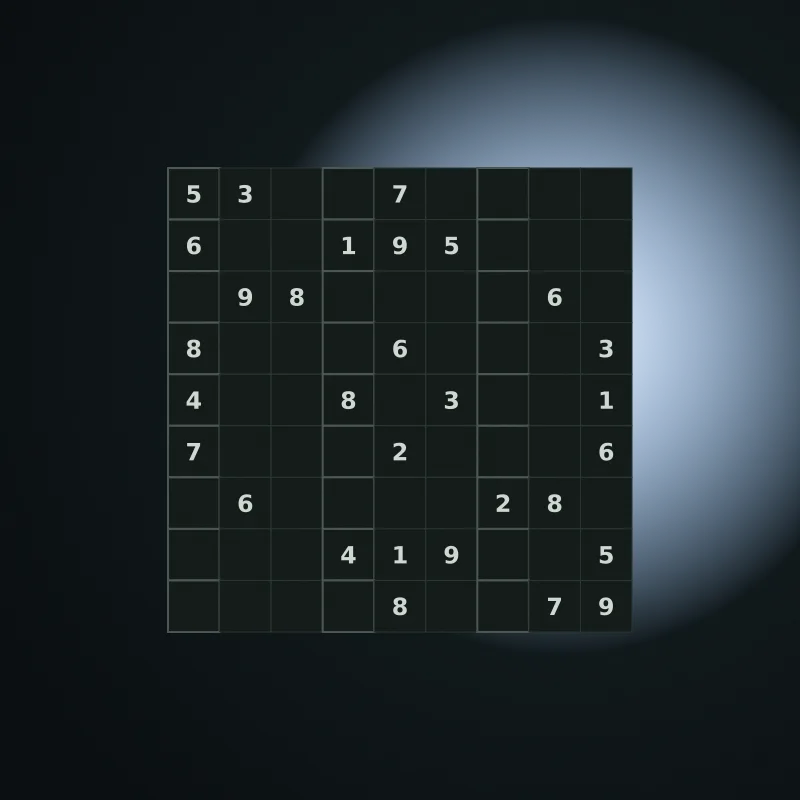
The full grid, at your own pace.
Arrow keys move, 1–9 fill, U undoes, C checks, and R reveals — the full 9×9 loop is keyboard-only.
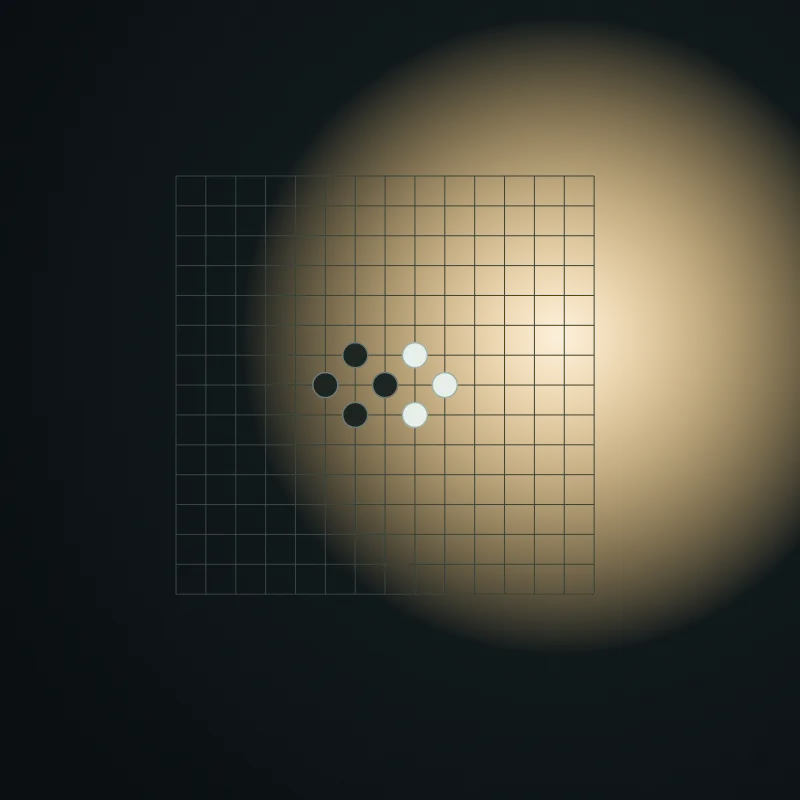
Five in a row, two players, one device.
Arrow keys move the cursor and Enter or Space places — a complete game never needs a pointer.
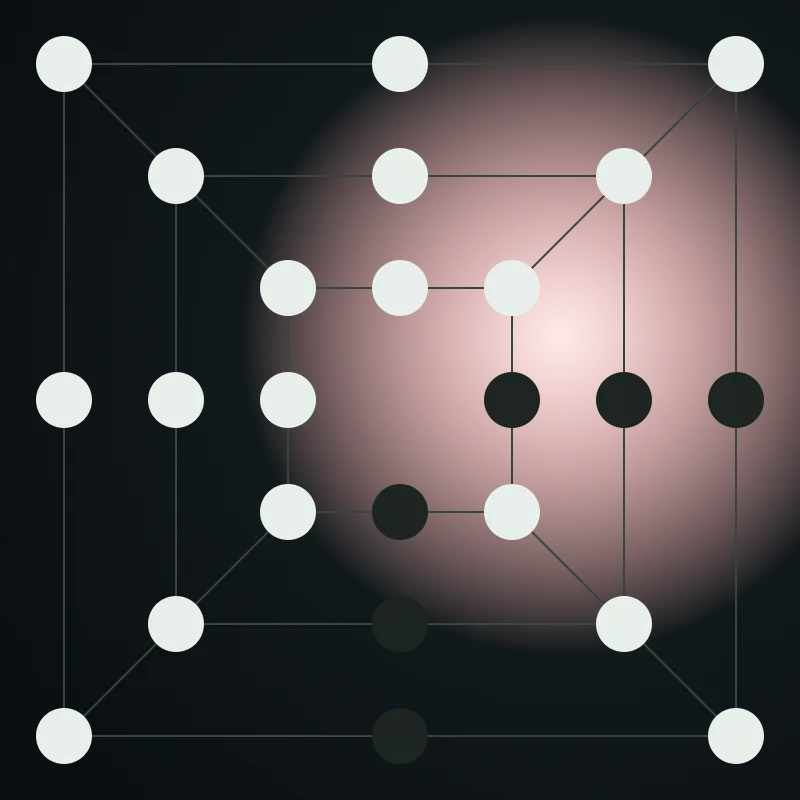
Three in a line. Remove a stone. Outmaneuver.
Enter selects, moves, and removes on the 24-point board using the drawn layout for navigation.
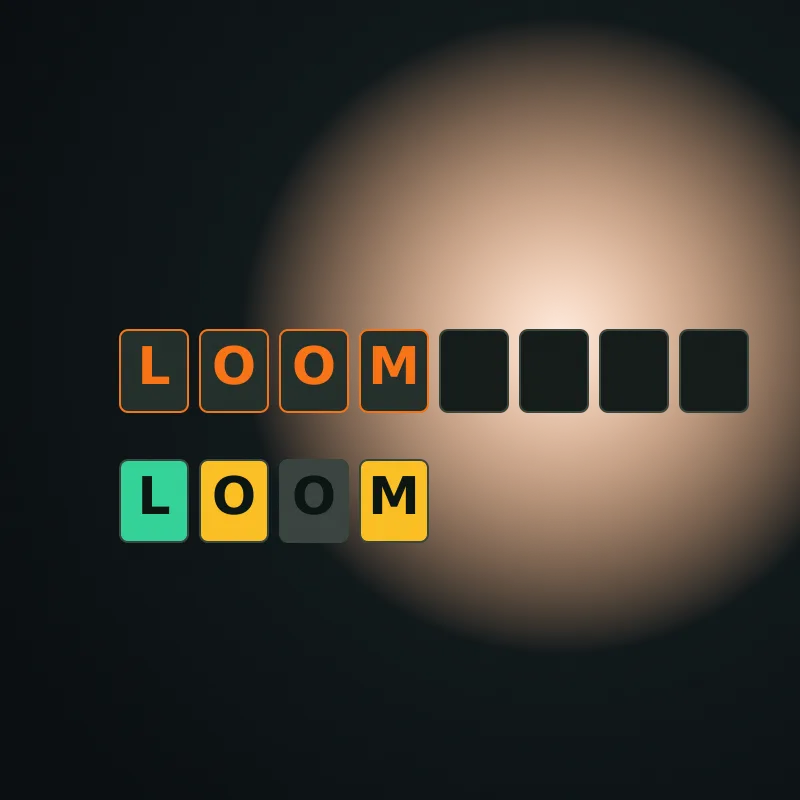
Weave the word. Six guesses, one date.
Type five letters, press Enter, and read feedback with symbols and announcements — no pointer required.
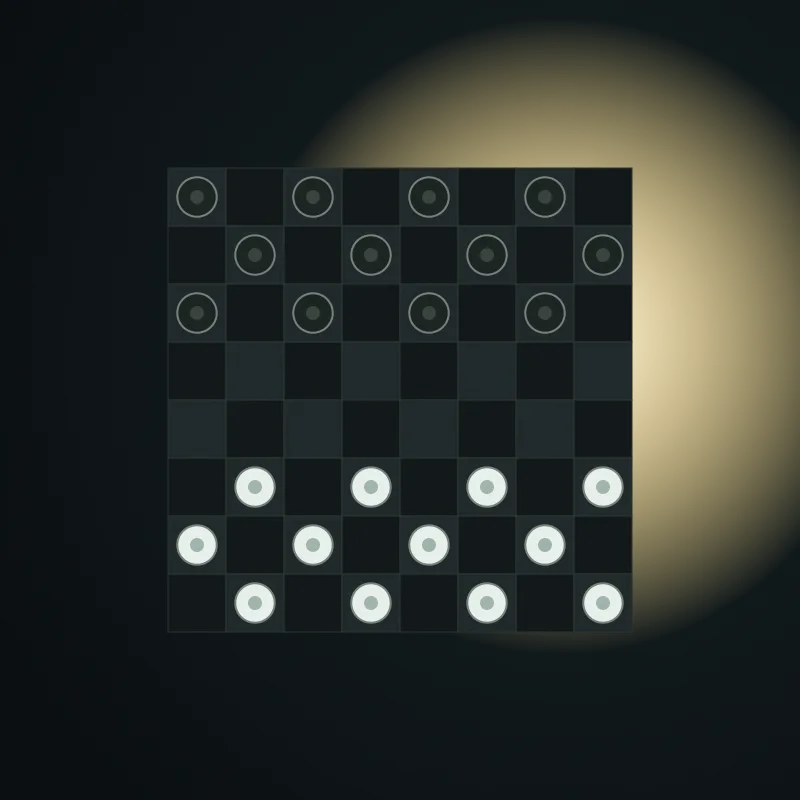
English draughts for two, one device.
Arrow keys navigate the 8×8 grid and Enter selects or moves — no pointer needed.