Hangman guide
Hangman guide
Rules, theme word lists, letter-by-letter controls, wrong-guess limit, and what NoCharge stores locally.
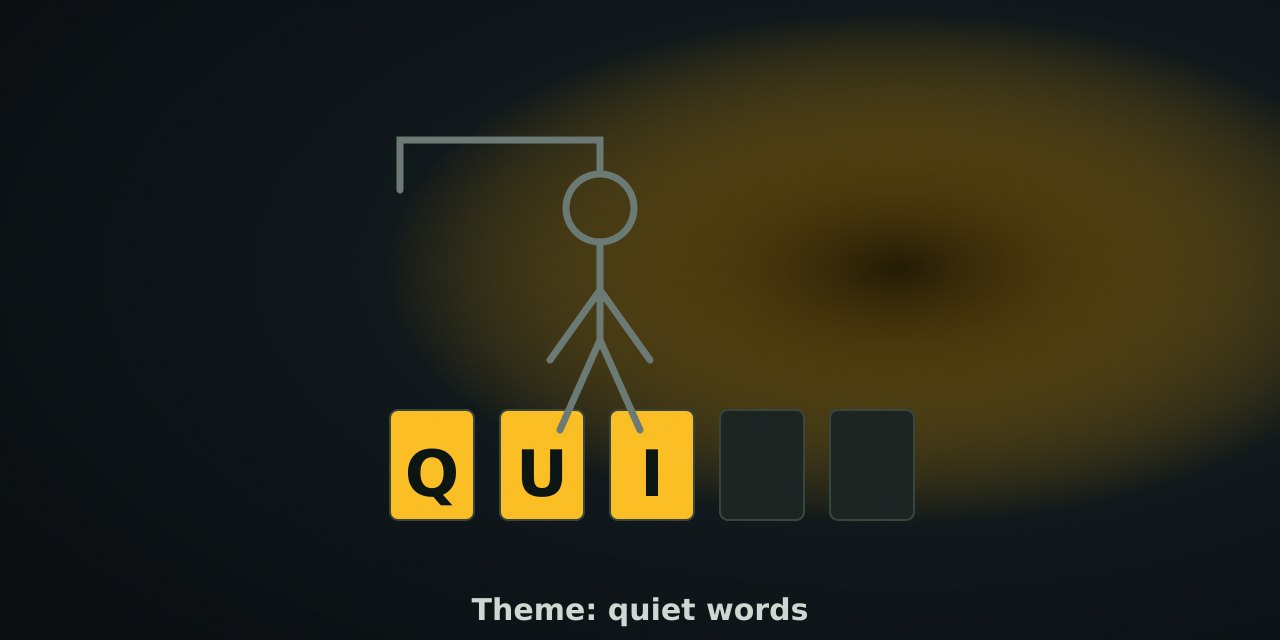
Rules
A word is chosen from the active theme’s list. The round shows blank slots for each letter. Guess one letter at a time:
- A correct letter appears in every position it occupies.
- A wrong letter adds one part to the gallows figure.
- Six wrong guesses end the round and reveal the word.
- Revealing every letter before the sixth miss wins the round.
Words are A–Z only (no spaces, hyphens, or apostrophes) so the on-screen alphabet covers every case.
Themes
| Theme | Example words | Note |
|---|---|---|
| Nature | meadow, harbor, cedar, lagoon | common outdoor words |
| Quiet games | lattice, beacon, handoff, pencil | NoCharge vocabulary |
| Kitchen | skillet, basil, carafe, teapot | everyday kitchen words |
| Calm colors | emerald, indigo, seafoam, ochre | color names as words |
The theme choice is saved under nocharge:pref:hangman-last-theme so the next visit starts where you left it.
Controls
| Action | Pointer / touch | Keyboard | Notes |
|---|---|---|---|
| Guess | Tap a letter button | Type any A–Z key | Focus stays on the guessed letter’s button |
| Change theme | Tap a theme button | Tab + Enter | Saved as preference |
| New round | Play again / New game | Toolbar shortcut | Picks a new word |
| Sound | Shared shell | Toolbar | Mute and volume shared across games |
Strategy that is not about speed
- Start with vowels and common consonants (A, E, I, O, U, then S, T, R, N) — most words in the lists use them, but it is a heuristic, not a guarantee.
- Read the revealed pattern aloud.
_ E _ _ O Wnarrows to a handful of common words faster than isolated guesses. - Watch the figure, not the letter count. Six misses is the real budget; the figure is the countdown.
- Switching themes is free. A word you keep missing in one theme is often easier to find in another.
What NoCharge records
nocharge:hangman:games-solved— total rounds solved in this browser.nocharge:pref:hangman-last-theme— last theme.
Nothing about your guesses is stored, and NoCharge never shows a solved-word history.
Accessibility and limits
Letter buttons are native buttons with labels; the word row is announced with aria-live after every guess; the wrong-guess figure is accompanied by a text count (“Wrong guesses: 2 of 6”), so the state is never color-only and never picture-only. Keyboard users type letters directly and the guessed letter’s button keeps focus. NoCharge makes no claim about vocabulary learning or memory training; word lists are editorial choices for calm, common words.
Next step
Play one round with the controls above. Check the Word games collection once additional word titles ship.
Frequently asked questions about Hangman
How do I play Hangman?
Rules, theme word lists, letter-by-letter controls, wrong-guess limit, and what NoCharge stores locally.
Does Hangman need an account?
No. The game opens without an account, and NoCharge does not provide cloud profiles or synchronized saves.
What controls does Hangman support?
Guess a letter: Tap or click a letter button, or type any A–Z key. Correct letters appear in the word; wrong letters add to the figure. Theme: Nature, Quiet games, Kitchen, or Calm colors change the word list; the theme preference is remembered locally. New round: Play again picks a new word from the same theme.
Where does Hangman keep saved results?
Any result or preference the game retains is stored in local storage in this browser. The exact value differs by game, does not synchronize, and can be removed with Clear game data.
What happens if I switch tabs while playing Hangman?
The shared game shell pauses while the page is hidden and stops ambient audio. Returning removes the hidden-page pause, but a manual pause remains in place.
How do I restart Hangman?
Use New game in the shared toolbar or settings panel. Restarting this game does not clear saved results from other games.
Is Hangman timed?
The listed session is 2–6 min. Read the timing and scoring sections in this guide because modes within a game can behave differently.
How do sound and ambient controls work in Hangman?
Master mute silences effects and ambient audio. Effects on/off changes game effects only, and the volume control also adjusts an active ambient texture.