Lights Out guide
Lights Out guide
The five-cell toggle rule, why every puzzle is solvable, a quiet strategy, and the local metrics NoCharge records.
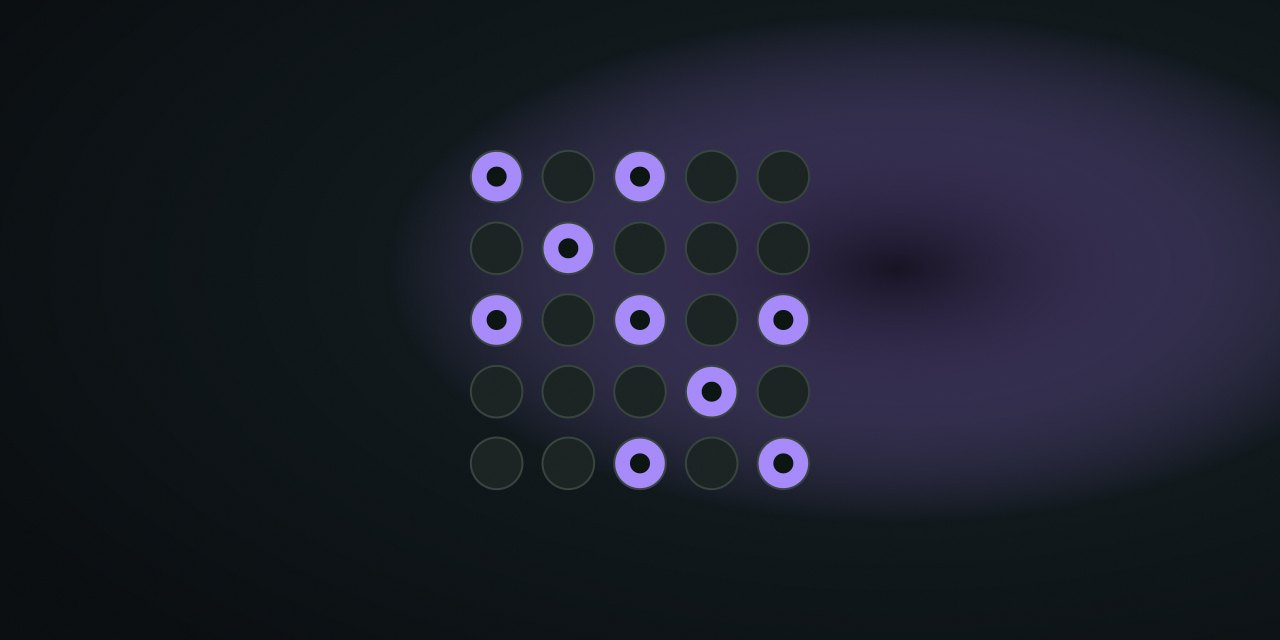
Rules
The board is a fixed 5×5 grid. Pressing a light toggles:
- the pressed light,
- the light directly above,
- the light directly below,
- the light to the left,
- the light to the right.
Corner presses toggle three cells; edge presses toggle four. The goal is to turn every light off. There is no timer, no failed state, and no limit on presses.
Solvability, stated honestly
Every puzzle is generated by starting from an all-off board and pressing a set of cells. Pressing the same cells again (in any order) turns the board off. That proof is why NoCharge says the puzzles are solvable by construction — not because each one was “designed to be hard”.
Controls
| Action | Pointer / touch | Keyboard | Notes |
|---|---|---|---|
| Press | Tap a light | Enter / Space | Toggles the five-cell cross |
| Move | — | Arrow keys | Roving tabindex, announced cells |
| New puzzle | HUD button | Toolbar shortcut | Generates a fresh solvable board |
| Metrics | — | — | Best moves and solved count shown in HUD |
A quiet solving pattern
- Work top to bottom. Choose presses in row 1 so that row 2’s lights become what you want, then use row 2 to fix row 3, and so on — the last row tells you whether the top rows were right.
- Count the lit lights. Fewer lights often means fewer moves to inspect; the HUD shows the count every press.
- Undo is not needed. Clicking a light twice is the same as not touching it, so mistakes are always erasable without a separate undo control.
Puzzle generation details
Presses are chosen uniformly at random, then the puzzle is regenerated if it happens to start solved (the all-off board would be trivial). Difficulty is not claimed: every 5×5 puzzle is the same size and the same rule set, so “difficulty” is not used as a label.
What NoCharge records
nocharge:lights-out:puzzles-solved— count of cleared boards.nocharge:lights-out:best-moves— fewest presses to clear a board.
Accessibility and limits
Arrow-key movement, live “N lights on” status, and per-cell labels (“light on” / “light off”) keep the state non-visual. The lit/unlit difference is also reflected in aria-pressed, so screen readers do not depend on the glow. NoCharge makes no claim about memory, pattern recognition, or any cognitive outcome.
Next step
Play one board, then try the top-to-bottom pattern on the next. Registry facts lists the current catalog and review date.
Frequently asked questions about Lights Out
How do I play Lights Out?
The five-cell toggle rule, why every puzzle is solvable, a quiet strategy, and the local metrics NoCharge records.
Does Lights Out need an account?
No. The game opens without an account, and NoCharge does not provide cloud profiles or synchronized saves.
What controls does Lights Out support?
Press: Click or tap a light; Enter or Space presses the focused light. Move: Arrow keys move the focus cursor; each cell is announced as a light on or off. New puzzle: Every puzzle is generated by pressing from a solved board, so it is solvable by construction.
Where does Lights Out keep saved results?
Any result or preference the game retains is stored in local storage in this browser. The exact value differs by game, does not synchronize, and can be removed with Clear game data.
What happens if I switch tabs while playing Lights Out?
The shared game shell pauses while the page is hidden and stops ambient audio. Returning removes the hidden-page pause, but a manual pause remains in place.
How do I restart Lights Out?
Use New game in the shared toolbar or settings panel. Restarting this game does not clear saved results from other games.
Is Lights Out timed?
The listed session is 2–6 min. Read the timing and scoring sections in this guide because modes within a game can behave differently.
How do sound and ambient controls work in Lights Out?
Master mute silences effects and ambient audio. Effects on/off changes game effects only, and the volume control also adjusts an active ambient texture.