Tile Garden guide
Tile Garden Guide: Tiers, Modes, and Calm Design
Learn how Tile Garden's four growth tiers, three play modes, and merge rules work. Includes accessibility notes and what we don't claim.
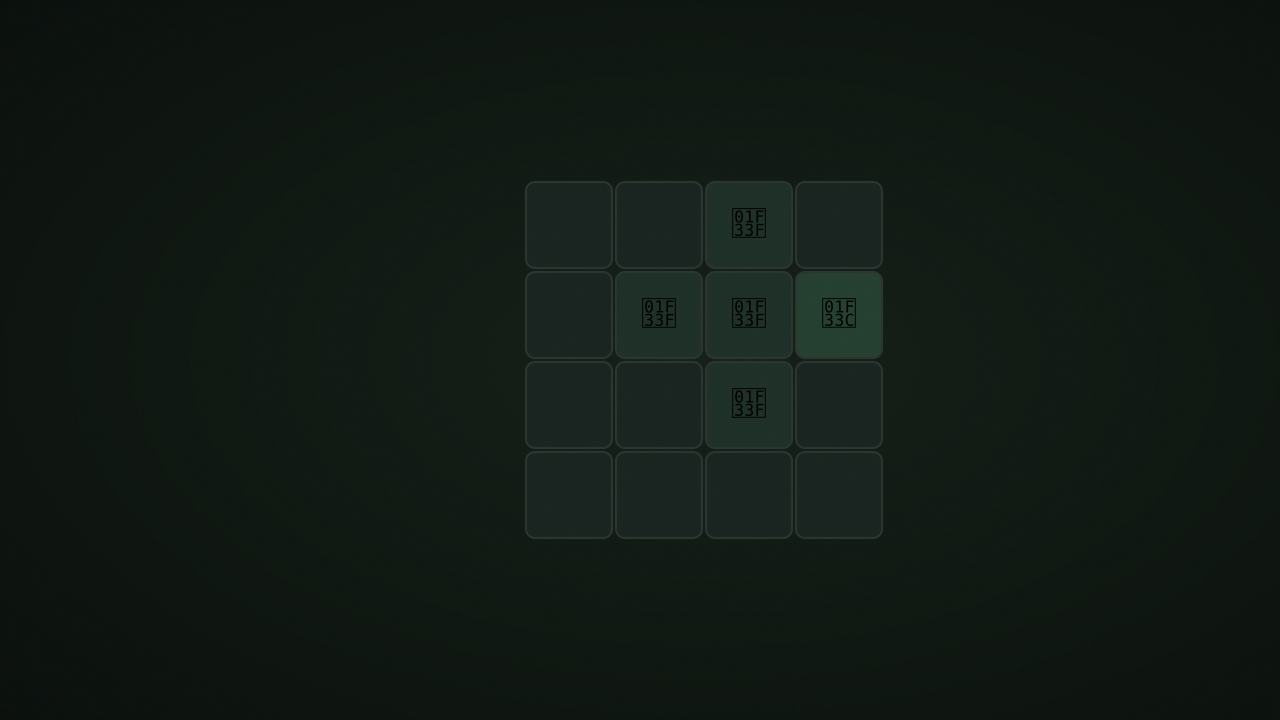
NoCharge Tile Garden is a calm merge game where you grow plants through four tiers: seed, sprout, bloom, and flower. Place seed tiles on an 8×8 grid and watch them grow when four matching tiles form a 2×2 block.
How to play
Each turn, place the next seed tile on any empty cell. Seeds have one of six species (visually distinct). When four tiles of the same tier and species form a 2×2 block, they auto-merge into one tile of the next tier at the top-left cell of that block. The other three cells clear.
The four tiers are:
- Seed (tier 0) — placed from the supply
- Sprout (tier 1) — created by merging 4 seeds
- Bloom (tier 2) — created by merging 4 sprouts
- Flower (tier 3) — created by merging 4 blooms
Controls at a glance
- Touch or pointer: tap an empty cell to place the next seed.
- Keyboard: arrows move cursor. Enter or Space places a tile. U undoes. Delete clears a tile in Sketch mode.
- Mode toggle: cycle through Garden, Meadow, and Sketch modes.
- Undo: reverses the last placement.
The three modes
Garden (default)
Standard rules apply. The game is “won” when a flower tile appears on any of the four center cells. This is a soft goal — there is no pressure to reach it quickly, and you can keep playing after.
Meadow (endless)
Same merge rules but no win condition. Play as long as you like. The board fills naturally, and the best-tier metric tracks your progress.
Sketch (creative)
No auto-merges. Place tiles freely on the grid. Right-click or Delete to remove a tile. Use this mode for experimentation or relaxation without merge pressure.
Strategy and patterns
Plan species placement
Seeds are generated with random species (one of six). When you see the next seed’s species, try to place it near existing tiles of the same species to build toward a 2×2 merge.
Leave room for merges
A 2×2 merge clears three cells and replaces them with one higher-tier tile. This frees up space. Plan placements so that merges can happen before the board gets too crowded.
Use undo freely
Undo is always available. If a placement blocks a potential merge, undo and try a different cell.
Accessibility
- Every cell has an aria-label describing its position, tier, and species.
- Keyboard cursor is visible and moves with arrow keys.
- No time pressure in any mode.
- Animations respect
prefers-reduced-motion. - Tile art uses emoji symbols (🌱🌿🌼🌸) paired with species indicators for visual distinction.
Calm design constraints
Tile Garden deliberately excludes:
- No lives — you cannot lose or fail.
- No timer — play at any pace.
- No streak — no consecutive-play pressure.
- No daily challenge — play whenever you want.
- No energy or “buy moves” — tiles appear at a calm, steady rate with no gatekeeping.
- No leaderboard — your best tier is a personal record only.
What we don’t claim
We do not claim that any strategy is optimal or that any specific arrangement leads to a flower. The random species distribution means some boards are naturally easier to merge than others. We track your best tier as a personal record, not a performance evaluation.
Frequently asked questions about Tile Garden
How do I play Tile Garden?
Learn how Tile Garden's four growth tiers, three play modes, and merge rules work. Includes accessibility notes and what we don't claim.
Does Tile Garden need an account?
No. The game opens without an account, and NoCharge does not provide cloud profiles or synchronized saves.
What controls does Tile Garden support?
Touch or pointer: Tap an empty cell to place the next seed tile. Keyboard: Arrows move cursor. Enter or Space places a tile. U undoes. Modes: Garden (standard), Meadow (endless), Sketch (creative, no merges).
Where does Tile Garden keep saved results?
Any result or preference the game retains is stored in local storage in this browser. The exact value differs by game, does not synchronize, and can be removed with Clear game data.
What happens if I switch tabs while playing Tile Garden?
The shared game shell pauses while the page is hidden and stops ambient audio. Returning removes the hidden-page pause, but a manual pause remains in place.
How do I restart Tile Garden?
Use New game in the shared toolbar or settings panel. Restarting this game does not clear saved results from other games.
Is Tile Garden timed?
The listed session is 3–15 min. Read the timing and scoring sections in this guide because modes within a game can behave differently.
How do sound and ambient controls work in Tile Garden?
Master mute silences effects and ambient audio. Effects on/off changes game effects only, and the volume control also adjusts an active ambient texture.