Tic-Tac-Toe guide
Tic-Tac-Toe Guide: Modes, Handoffs, and Forks
How NoCharge Tic-Tac-Toe's three boards and the first-to-3 match work, how the handoff screen keeps the game fair, and which squares are worth fighting for.
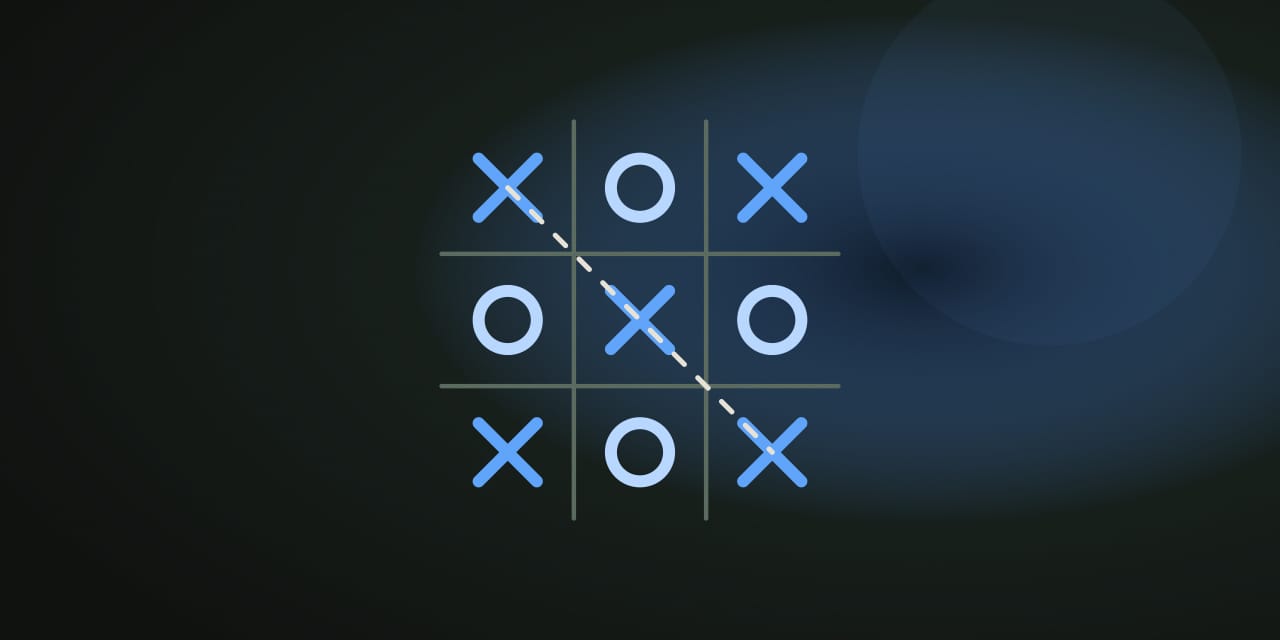
Tic-Tac-Toe is the classic shared-screen game: two players take turns on one device, and the game keeps track of whose move it is. NoCharge offers three ways to play — the 3×3 board where three in a row wins, the 4×4 board where four in a row wins, and Match mode, a best-of-five series of 3×3 rounds where the first player to win three rounds takes the match. The player who moves first alternates every round, so neither side keeps the opening advantage.
How to play
Place a mark on any empty square. The game checks for a line after every move: three in a row on the 3×3 board, or four in a row on the 4×4 board — horizontal, vertical, or diagonal. In Match mode a won round counts toward the first-to-3 total and the board resets for the next round; the match ends as soon as someone reaches three wins or all five rounds are played.
After every move, a handoff screen covers the board and offers the device to the other player. Press Continue when the device has changed hands — the board stays hidden until then, so no one sees the position early.
Controls
- Mouse or touch: tap or click any empty square.
- Keyboard: move with the arrow keys and press Enter or Space to place.
- Pass the device: the handoff screen appears automatically after each move; Continue passes play on.
- Player names: edit Player 1 and Player 2 on the handoff screen. Names last for the browser session only and are never saved.
- Change mode: switch between 3×3 · 3 in a row, 4×4 · 4 in a row, and Match · first to 3 at any time.
Where the squares are worth it
Take the center early
On the 3×3 board the center square belongs to four lines and every corner to three, so an early center or corner keeps more options open than an edge. On the 4×4 board the two middle columns and rows do the same job.
Block before you build
If your opponent has two in a line with an open third cell, the next move must be that third cell. Checking for the opponent’s threat before playing your own is the single most common losing habit in the game.
Make two threats at once
A fork — a move that creates two separate winning cells — cannot be blocked, because only one square can be covered per turn. On the 3×3 board, a corner opposite the center is the classic fork setup, and on the 4×4 board you have more room to build one.
What stays on this device
The most recent match result stays on this device and appears in My Arcade as the single record for this game — nothing is uploaded or tied to an account. Player names live only in the current browser session. Clearing site data or using the Privacy page’s Clear game data control removes the record.
Frequently asked questions about Tic-Tac-Toe
How do I play Tic-Tac-Toe?
How NoCharge Tic-Tac-Toe's three boards and the first-to-3 match work, how the handoff screen keeps the game fair, and which squares are worth fighting for.
Does Tic-Tac-Toe need an account?
No. The game opens without an account, and NoCharge does not provide cloud profiles or synchronized saves.
What controls does Tic-Tac-Toe support?
Place a mark: Tap or click an empty square, or move with the arrow keys and press Enter or Space. Pass the device: After each move the screen offers a handoff to the other player; press Continue when the device has changed hands. Player names: Edit Player 1 and Player 2 in the handoff screen. Names last for the browser session only and are never saved. Change mode: Switch between 3×3 · 3 in a row, 4×4 · 4 in a row, and Match · first to 3 at any time.
Where does Tic-Tac-Toe keep saved results?
Any result or preference the game retains is stored in local storage in this browser. The exact value differs by game, does not synchronize, and can be removed with Clear game data.
What happens if I switch tabs while playing Tic-Tac-Toe?
The shared game shell pauses while the page is hidden and stops ambient audio. Returning removes the hidden-page pause, but a manual pause remains in place.
How do I restart Tic-Tac-Toe?
Use New game in the shared toolbar or settings panel. Restarting this game does not clear saved results from other games.
Is Tic-Tac-Toe timed?
The listed session is 1–3 min per round. Read the timing and scoring sections in this guide because modes within a game can behave differently.
How do sound and ambient controls work in Tic-Tac-Toe?
Master mute silences effects and ambient audio. Effects on/off changes game effects only, and the volume control also adjusts an active ambient texture.