Last Token guide
Last Token Guide: Piles, Presets, and the Poisoned Last Token
How NoCharge Last Token's take-away rules work across its three pile presets, what a turn may and may not do, and how to read the endgame the way the game expects you to.
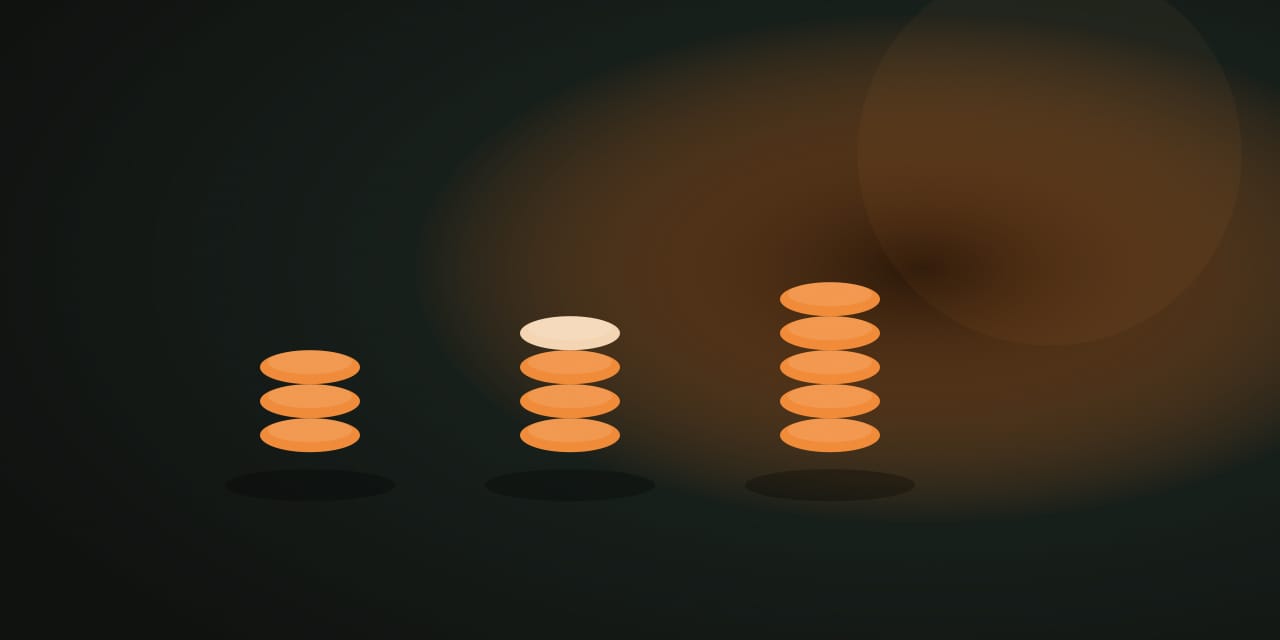
Last Token is a small take-away game for two people sharing one device. On your turn, remove one, two, or three tokens from a single pile. The catch is in the name: the player who takes the very last token loses the round.
How to play
Each round starts from one of three presets — the three-pile 3-4-5, the longer four-pile 1-3-5-7, or the quick two-pile 3-5 — and the player who opens alternates every round. A turn removes one to three tokens from a single pile; you cannot split a turn across piles, and you cannot take more than a pile holds. The round ends the moment the last token is gone, and the player who took it loses.
Controls
- Mouse or touch: every take is a labeled button — Take 1, Take 2, or Take 3 — under each pile, sized to what that pile’s remaining count allows.
- Keyboard: the labeled take buttons work with the arrow keys plus Enter, exactly like the pointer path.
- Pass the device: the handoff screen appears after each take; Continue passes play on.
- Rounds: pick a preset before or between rounds; opening player alternates automatically.
Because a turn is always a single labeled take, the game is identical in feel for touch, pointer, and keyboard players.
Reading the endgame
Leave the single-token pile
A position with exactly one pile of one token is a loss for whoever must move — they have no choice but to take the last token. So the endgame goal is simple: play so that the opponent is the one facing it.
Count single-token piles in the end
When every remaining pile holds exactly one token, the parity decides: an odd number of such piles is a loss for the player to move (they take one, leaving an even number — a win — for you), and an even number is a win for the player to move. In a long round like 1-3-5-7, you are often playing earlier moves toward this endgame shape.
Think in what you leave, not what you take
Every take is really a choice about the position you hand back: how many piles remain, and how large. A take that looks small but leaves your opponent a position where every reply is bad is worth more than a take that simply removes tokens.
What stays on this device
The most recent result stays on this device and appears in My Arcade as the single record for this game — nothing is uploaded or tied to an account. Clearing site data or using the Privacy page’s Clear game data control removes it.
Frequently asked questions about Last Token
How do I play Last Token?
How NoCharge Last Token's take-away rules work across its three pile presets, what a turn may and may not do, and how to read the endgame the way the game expects you to.
Does Last Token need an account?
No. The game opens without an account, and NoCharge does not provide cloud profiles or synchronized saves.
What controls does Last Token support?
Take tokens: Each pile lists the takes its size allows — Take 1, Take 2, or Take 3 — by touch, pointer, or arrow keys plus Enter. One pile per turn: A turn removes one to three tokens from a single pile; you cannot split a turn across piles. Losing: The player who takes the very last token of the round loses, so watch what you leave behind. Rounds: Rounds are quick and the player who opens alternates each round. Presets include 3-4-5, 1-3-5-7, and the quick 3-5.
Where does Last Token keep saved results?
Any result or preference the game retains is stored in local storage in this browser. The exact value differs by game, does not synchronize, and can be removed with Clear game data.
What happens if I switch tabs while playing Last Token?
The shared game shell pauses while the page is hidden and stops ambient audio. Returning removes the hidden-page pause, but a manual pause remains in place.
How do I restart Last Token?
Use New game in the shared toolbar or settings panel. Restarting this game does not clear saved results from other games.
Is Last Token timed?
The listed session is 1–2 min per round. Read the timing and scoring sections in this guide because modes within a game can behave differently.
How do sound and ambient controls work in Last Token?
Master mute silences effects and ambient audio. Effects on/off changes game effects only, and the volume control also adjusts an active ambient texture.